Best Farming App for Homesteads (2026)
On this page
Livestock Manager is our top pick for a homestead with a small mixed flock or herd. It covers eggs and milk, feed and days left, health records, sales and what each group of animals costs to keep, and it has a free plan. It is light on garden planning, so if your garden matters as much as your animals, a crop-focused tool such as Farmbrite fits that half better.
Disclosure: Livestock Manager is our app. We checked the other tools' prices and features on their own websites on 2026-09-30, and prices can change.
What homesteaders need from a farming app
Homesteads are small, mixed and run on a budget. Judge an app against these six needs.
- Several species in one place. Hens, goats, rabbits and a pig should not need four tools.
- Eggs and milk. You want a daily count in a few taps, not a form.
- Feed and days left. The question you ask every week is when you must reorder.
- Health and withdrawal periods. You need to know when an animal is safe to eat or sell after a treatment.
- Butchering, harvest and sales. Records of what you sold, to whom, and for how much.
- A low price and a low learning curve. A free plan, or a paid one you can drop, and screens you can use with muddy hands.
Our farm record-keeping guide covers which records to keep first.
Our picks
Livestock Manager: mixed animals on a small budget
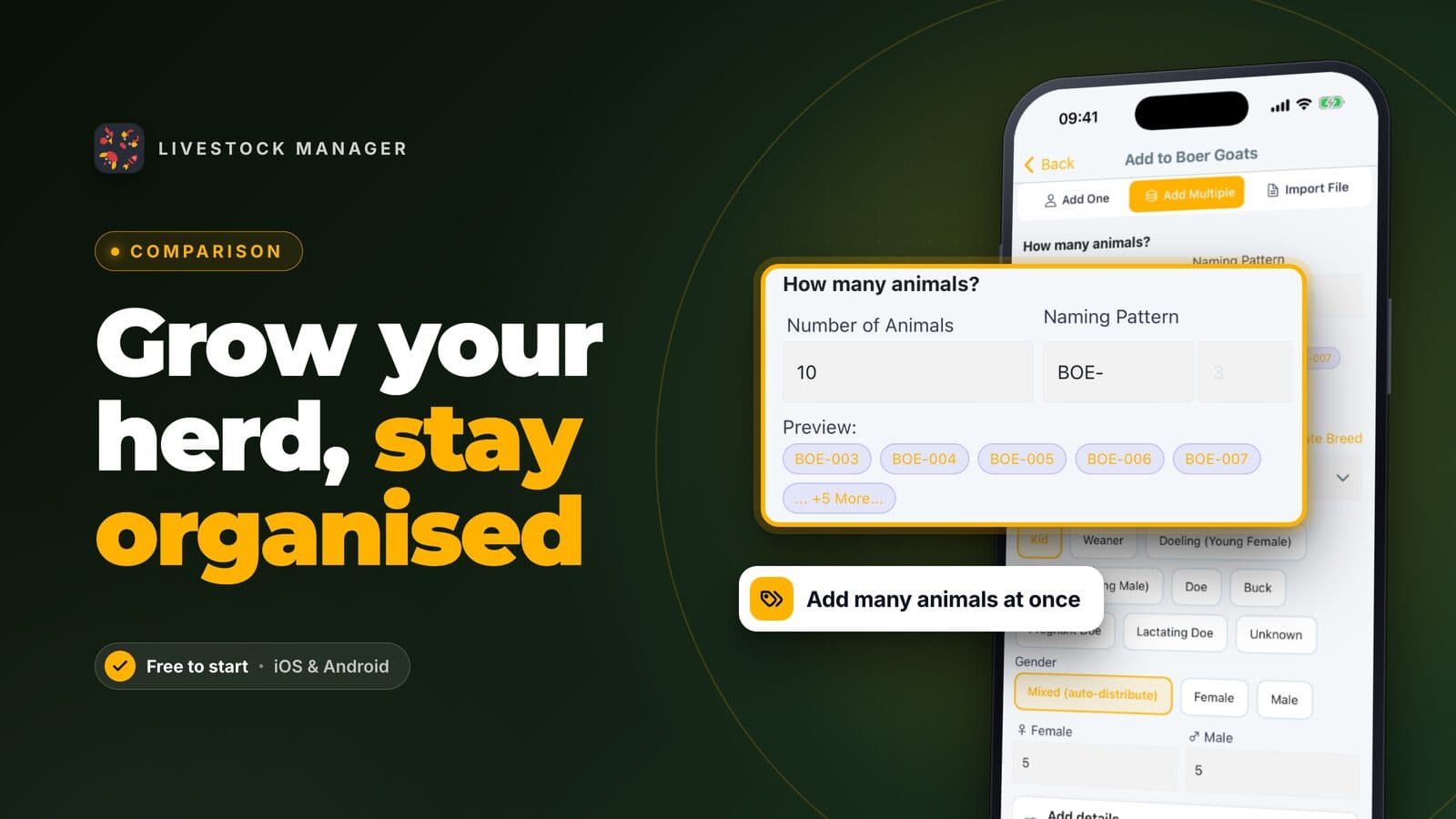
Livestock Manager runs on iOS, Android and the web, in 15 languages. You create a batch for each group of animals. Poultry batches keep one count for the group. Goats, cattle and pigs can each get their own profile (5 profiles per farm on Starter). See how to create a livestock batch and how to add animals to a batch.
What it does for a homestead:
- Eggs and milk. Record daily production against a batch. See how to record eggs, milk and daily production.
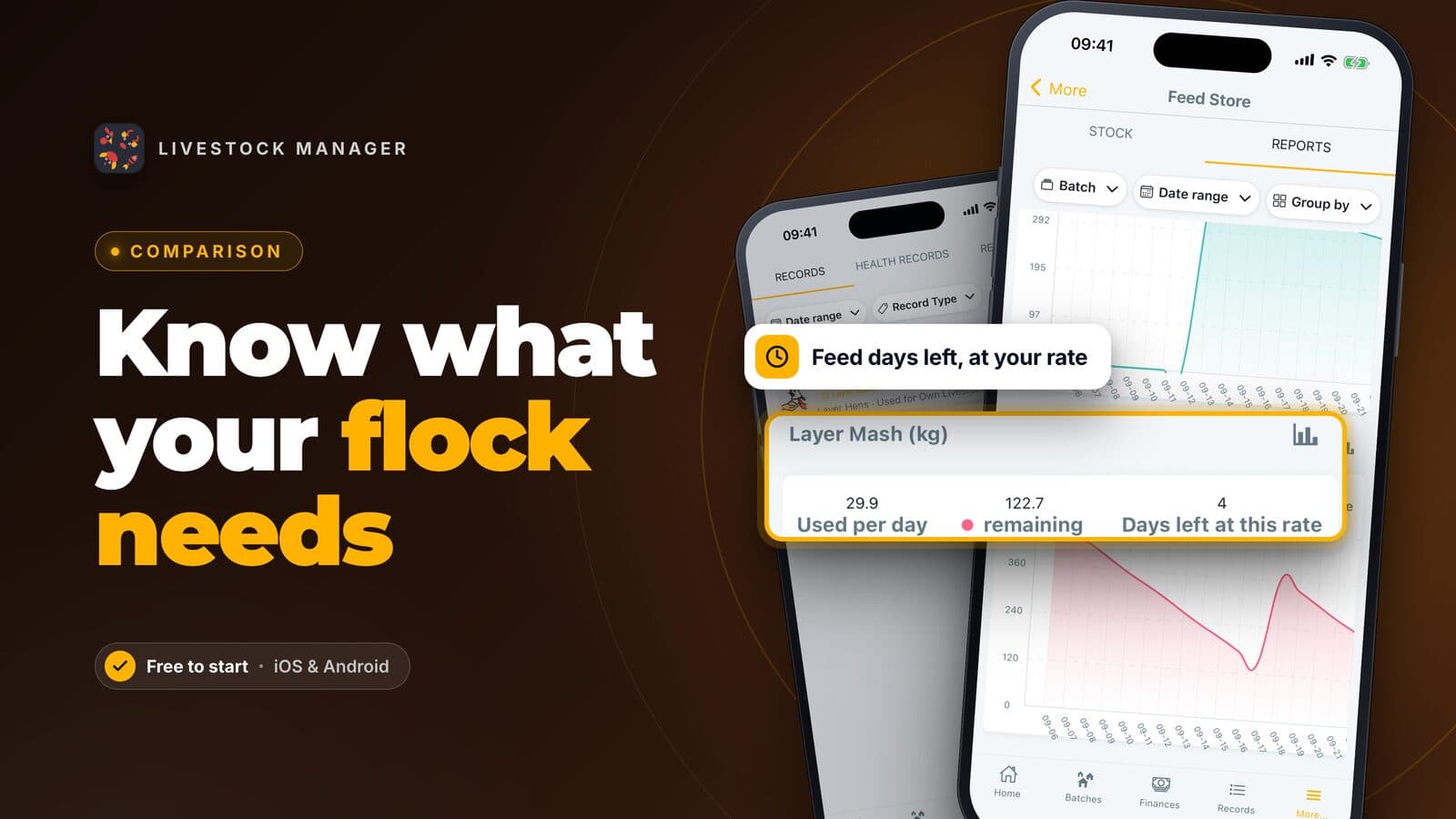
- Feed and days left. The feed store shows how many days of feed remain. See how to track farm feed inventory.
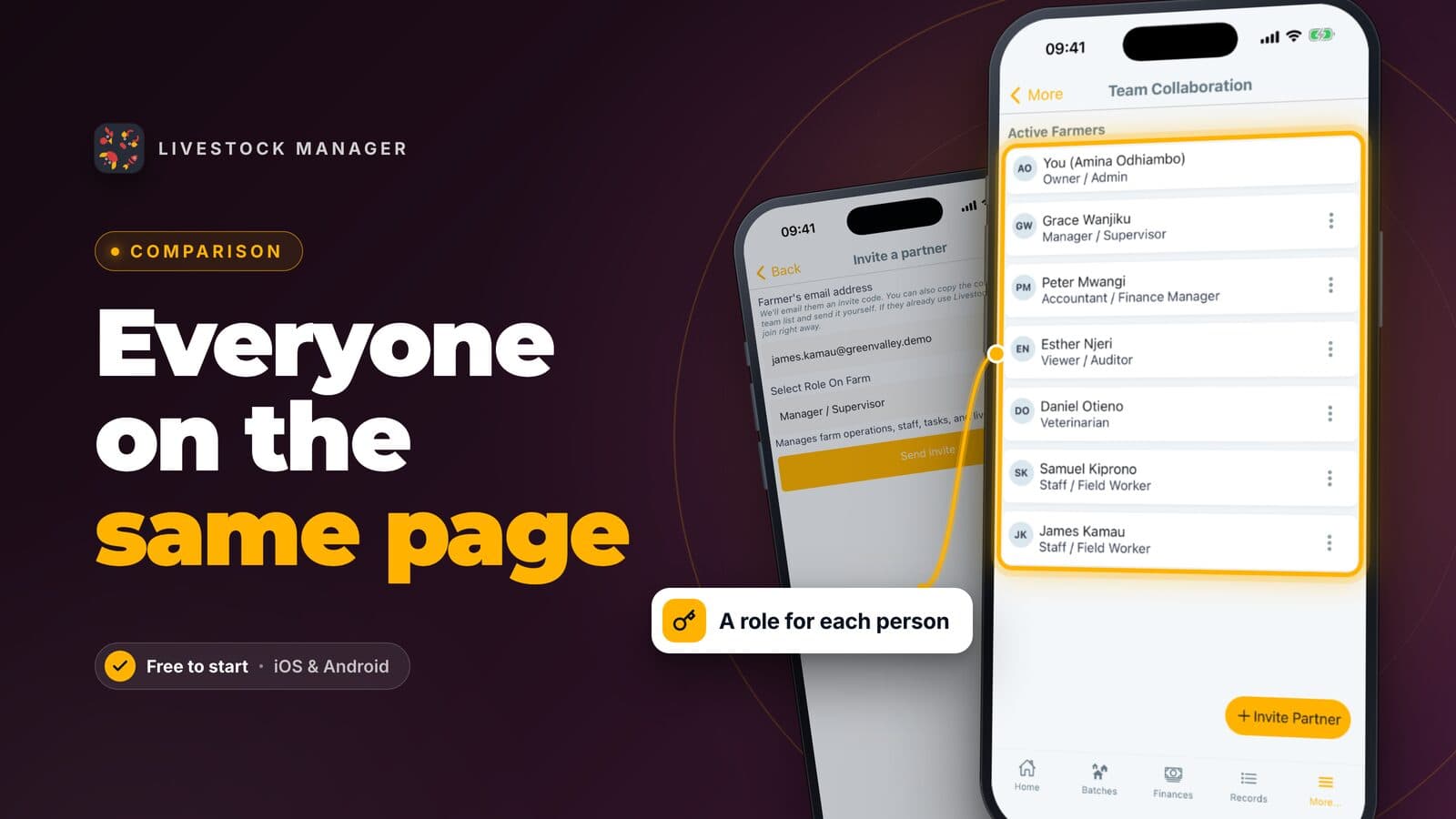
- Health and medicine. Keep health records and a medicine store. Health records include withdrawal periods, and the app shows when an animal is safe to sell or slaughter. See health records and medicine stock.
- Butchering, harvest and sales. Log a harvest or sale as income, keep customers, and send invoices on the Growth plan. See how to sell livestock and send invoices.
- Cost to keep. Record feed, medicine and other spending as expenses next to your income, with receipt scanning. See farm income and expense tracking.
- Speak or type. Say "collected 14 eggs" instead of filling in a form. See recording by voice or text.
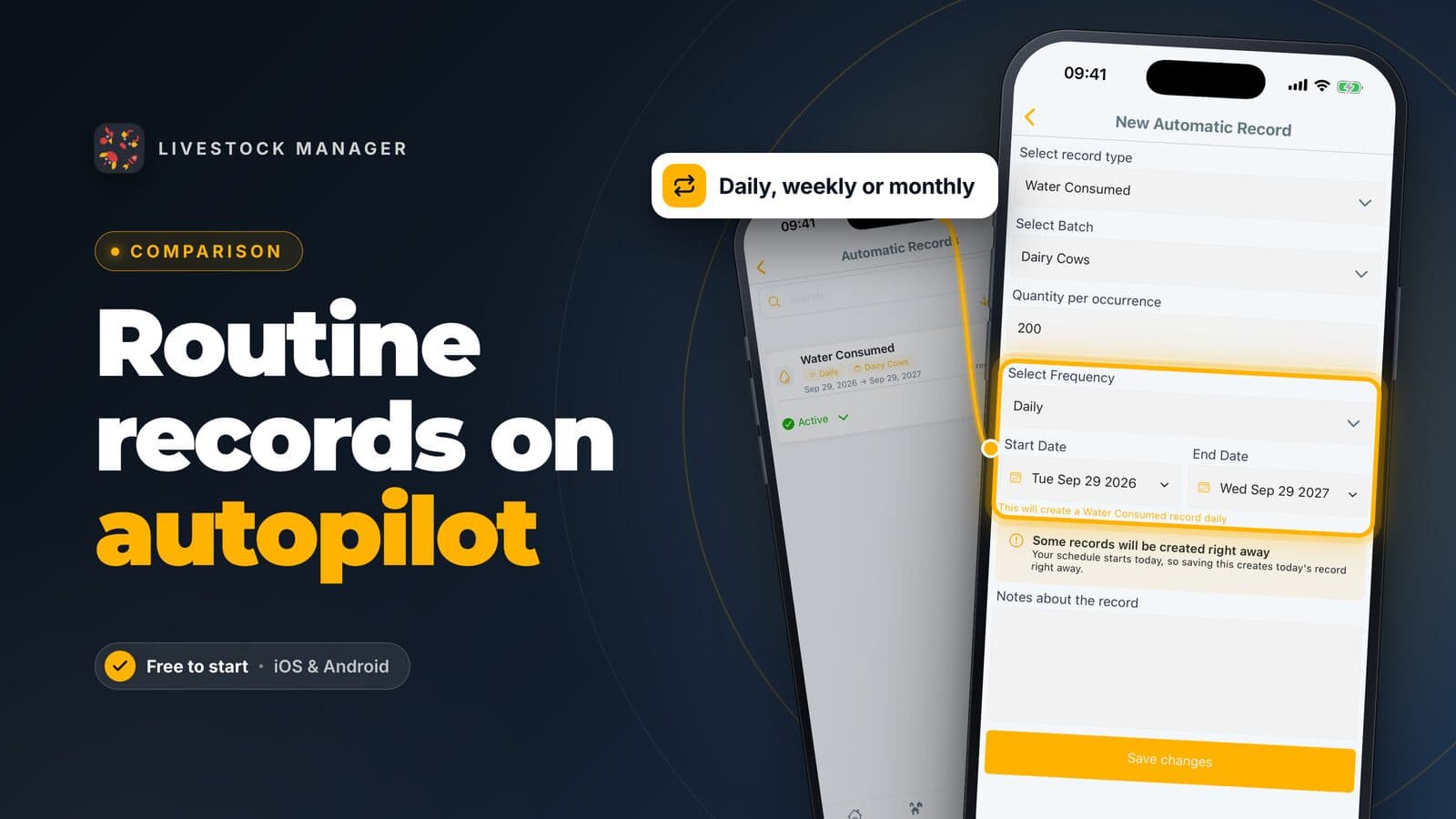
- Tasks and reminders. Set repeating chores. See farm tasks and reminders.
Plan facts: Starter is free and includes two batches per farm, 5 animal profiles per farm, 50 records a month, 30 transactions a month, five medicines and one team member, with a read-only web app. Growth adds invoicing, automatic records, unlimited animal profiles and full web access, and allows three people on the farm including the owner. See the pricing page for current prices.
Limits: it needs an internet connection, it has no paddock map, and crops are light crop batches, not a garden planner. If two batches are too few, you need Growth.
Farmbrite: the better fit for a garden-heavy homestead
Farmbrite is built for both crops and animals. Its site lists a Crop Grower plan from $29 a month, livestock plans from $29 a month for up to 300 active animals, and complete livestock and crop plans from $59 a month. It also states that it supports online and offline farm record keeping.
If your garden is a real part of your income, this is the stronger choice for the garden side. The plan that covers both animals and crops costs more than a livestock-only plan. See our Farmbrite alternatives.
AgriWebb: aimed at cattle and sheep operations
AgriWebb prices by the number of cattle and sheep you manage, and states that its app works offline. It offers a free trial. It is designed for grazing operations, and its site describes mapping and paddock management, with unlimited users. That is more than a few goats and hens need.
A paper notebook or spreadsheet: the free baseline
A notebook needs no signal and no login. A spreadsheet such as Google Sheets adds totals and charts. Both are free and work well for a few animals. Neither reminds you when a withdrawal period ends, and both get slow to search after years of pages. Use them while your needs are small, and move to an app when the notebook stops answering your questions.
Homestead app comparison
| Livestock Manager | Farmbrite | AgriWebb | Notebook or spreadsheet | |
|---|---|---|---|---|
| Fits | Small mixed animals | Animals plus crops | Cattle and sheep | A few animals |
| Starting cost | Free plan | From $29/month | Priced per animal, free trial | Free |
| Garden and crop planning | Light crop batches | Yes, crop plans | Cropping records on higher plans | Build it yourself |
| Internet needed | Yes | Online and offline | Works offline | No |
| People on the farm | 1 on Starter, 3 on Growth | Up to 5 on Essentials livestock | Unlimited users | Just you |
How to get started
- Set up your farm. Create an account and name your farm. See how to set up your farm account.
- Add a batch for each group. Start with the animals that produce something. See how to create a livestock batch.
- Record eggs and milk daily. Use a few taps, or speak the count. See how to record eggs, milk and daily production.
- Add feed and medicine. Enter what is in the bin and the cabinet. See how to track farm feed inventory.
- Log what you sell and spend. Record sales and costs as they happen. See farm income and expense tracking.
For a wider view, read our comparison of the best farm management software or poultry farming for beginners.
Frequently asked questions
Is there a free app to track homestead animals?
Yes. Livestock Manager has a free Starter plan that lets you keep two batches of animals, up to 5 animal profiles, 50 records a month and 30 income or expense entries a month. That is enough for a small flock. Invoicing and automatic records need the paid Growth plan.
Is a notebook enough for a homestead?
A notebook can hold egg counts and butchering dates for a few animals. An app starts to pay off when you also need to know how much feed is on hand, when a withdrawal period ends, or what a flock cost you last year. Many homesteaders start on paper and move over when the notebook gets crowded.
Can one app track my garden and my animals?
Not equally well. Livestock Manager is built around animals and only has light crop tracking through crop batches. If planning beds, successions and harvest dates is your main need, a crop-focused tool such as Farmbrite fits the garden better.
How do I track feed on a homestead?
Log each feed purchase as a feed item, then record what you use each day. Livestock Manager shows how many days of feed are left, so you can reorder before the bin runs empty.
Do homestead apps need an internet connection?
Livestock Manager needs an internet connection, so it will not save records in a barn with no signal. Farmbrite states on its site that it supports online and offline record keeping. If your barn has poor signal, a paper notebook is the safe backup.