How to Contact Livestock Manager Support
A question, a problem or an idea? Contact Us sits at the top of More. Message us on WhatsApp or by email for an answer now, or write to us from the app, with a screenshot if it helps. We read every message and reply by email.
Who it's for: anyone with a question, a problem or an idea for the app. Plan: every plan, screenshots included. Time: a couple of minutes to write.
Step-by-step
Step 1: Open Contact Us
On the Home screen, tap More. Contact Us is the first row at the top, with WhatsApp · Email beside it. Tap it. At the top of the screen, We're here to help: we read every message and reply by email.
Step 2: Talk to us now
Want an answer now? Under Talk to us now, tap WhatsApp to message us there, or Email to write from your email app. Both open outside Livestock Manager.
Step 3: Or write to us
Rather write from the app? Under Or send us a message, fill in Subject with what it is about, such as Print today's tasks? Then, in Message, tell us in your own words: what you were trying to do, where you looked and what happened.
Step 4: Add a screenshot
A screenshot shows us exactly what you mean. Under Add a screenshot (optional), tap Camera to take a picture, or Library to pick a screenshot you already took. You can add up to 5 images. Each one appears above the buttons, and the cross on a picture removes it.
Step 5: Send it
Tap Send Message. The app confirms: Thanks! We've got your message and will reply by email. Our reply goes to the email address on your account.
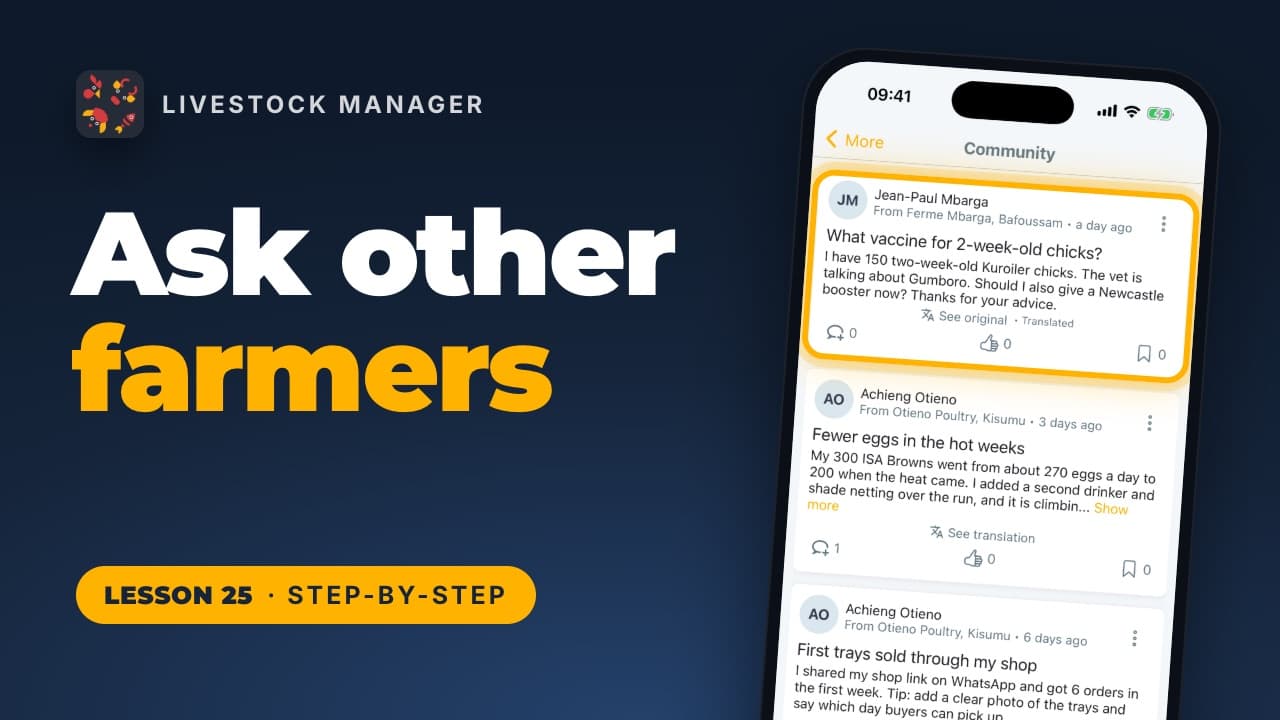
Prefer to ask other farmers? See how to use the farmer community. Every lesson is also on our lessons page, in order.
Common mistakes
- Writing "it doesn't work". Say which screen you were on, what you tapped and what happened instead. A screenshot of that screen saves a round of questions.
- Waiting on email for something urgent. For a quick answer, use WhatsApp under Talk to us now.
- Not checking the email on your account. The reply goes there. You can see which address that is under Personal Settings in More.
Frequently asked questions
How do I contact Livestock Manager support?
On the Home screen, tap More, then Contact Us at the top. Tap WhatsApp or Email for a quick answer, or write to us from the app with a subject, your message and a screenshot if it helps.
Where does the reply go?
To the email address on your Livestock Manager account. You can see it under Personal Settings in More.
Can I send screenshots?
Yes, up to 5 with each message. Under Add a screenshot (optional), tap Camera to take a picture or Library to pick one you already have.
Do I have to fill in every field?
Subject and Message, yes. The app asks for both before it sends. The screenshot is optional.