How to Track Farm Feed Inventory
The Feed Store keeps a running balance for every feed you use. You add each feed once, record what goes out to your animals and what comes in when you buy, and the app shows what is left and how many days it will last.
Who it's for: anyone who buys feed and wants to know when to reorder. Plan: automatic daily feeding needs the Growth plan or above. Time: about 10 minutes.
What you need first
- A farm account with at least one batch of animals.
- The name of each feed as it is written on the bag.
- The unit you feed in, such as kilos, bags or litres, and roughly how much you have now.
Step-by-step
Step 1: Open the Feed Store
On the Home screen, tap More. Under Stock & supplies, tap Feed Store. It stays empty until you add your first feed.
Step 2: Add each feed once
Tap Create, then New feed. (Add to a feed is for restocking a feed you already have.) Type the feed name, pick the unit you feed in, and enter How much do you have now? That amount is recorded as your first Feed In, so your balance starts where your store does. Tap Add feed.
Step 3: Record a feeding
Each time you feed, open the Records tab and tap New Record, then Feeding Records. Feed Out is already selected: it means feed going to your animals. Pick the batch you fed, then the feed. The picker shows how much is left. Enter the quantity and tap Save.
Feed Out records reduce the balance. Look at the feed in the Feed Store after you save to confirm the new figure.
Step 4: Restock your feed with its cost
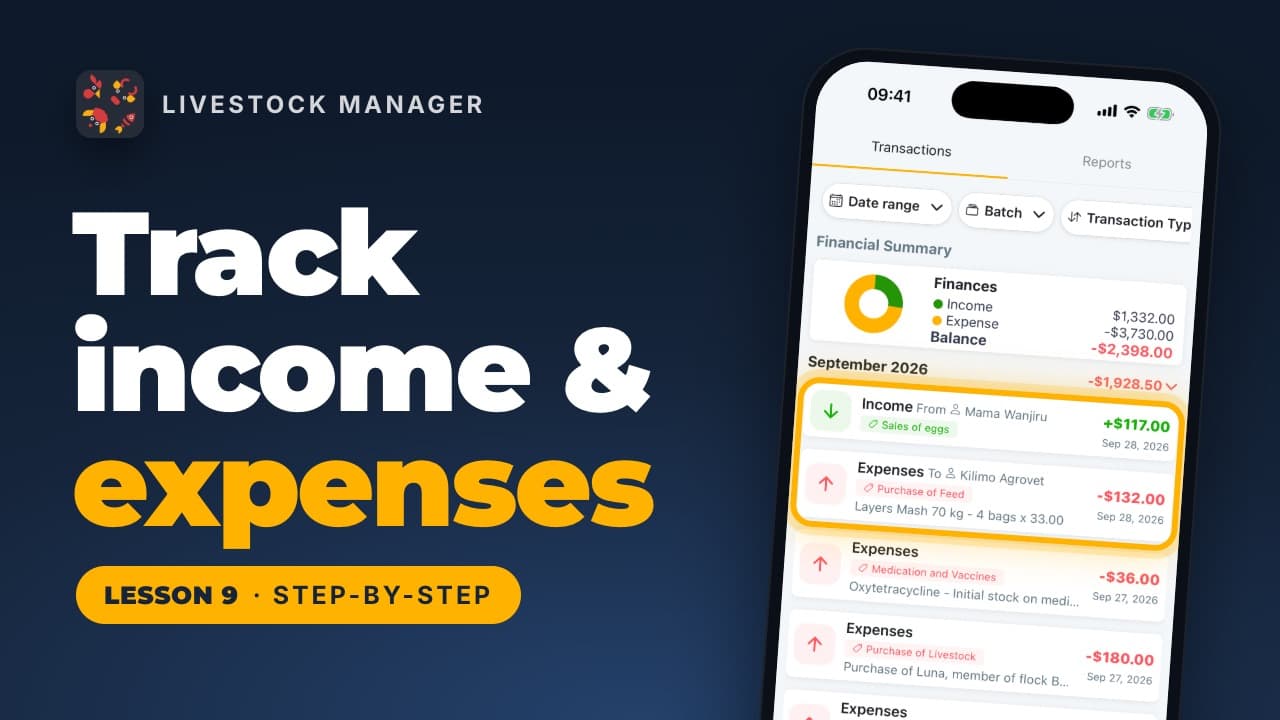
When you buy more, open the Feed Store and tap that feed. Its page lists everything added and fed out. Tap Add to this feed. The form opens as a Feed In with the feed already chosen. Enter the quantity, then turn on Record what it cost and type the total you paid. The app works out the cost per unit and saves the amount in Finances as a feed expense. Tap Save.
Step 5: Record daily feeding automatically
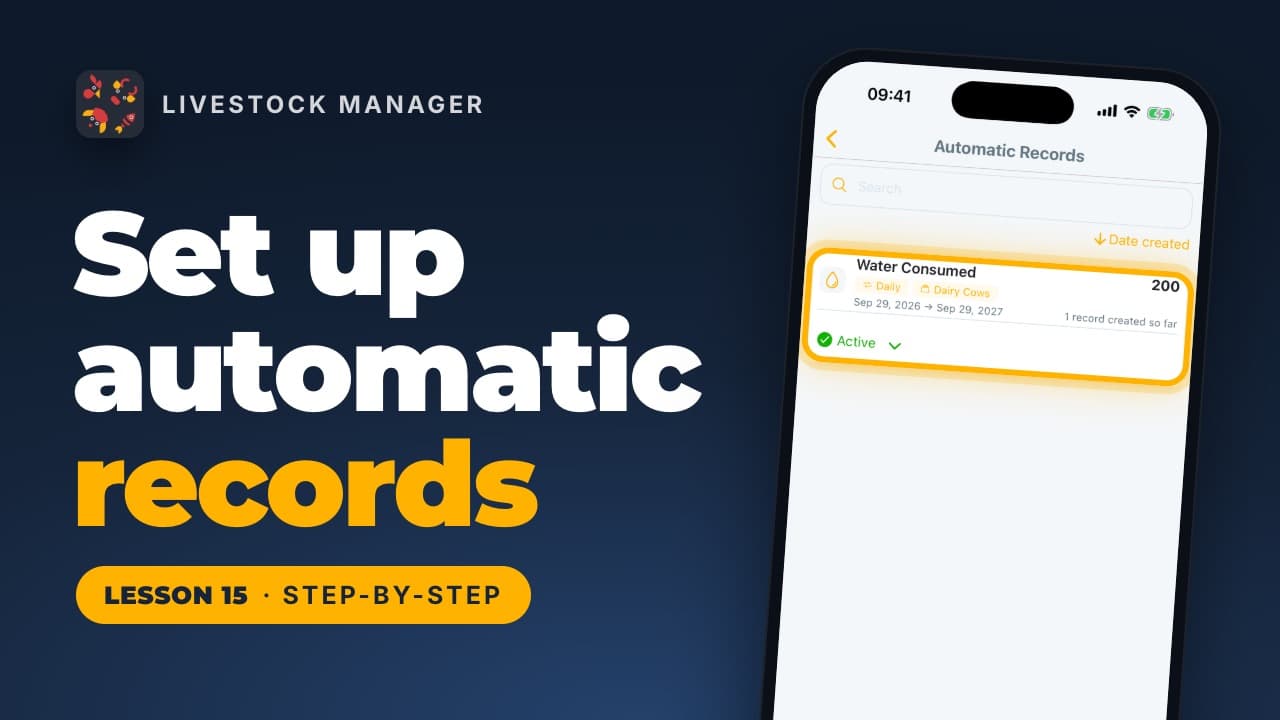
If you feed the same amount every day, let the app do it. In More, tap Planning & records, then Automatic Records. Older versions of the app called this Recurring Records. Tap New Record, choose Feed Out, then the batch and the feed. Enter the amount, choose Daily, set the dates and tap Save changes.
Automatic Records is available on the Growth plan and above. It suits any record you repeat, such as feeding or water. Our lesson on Automatic Records shows every screen. See our farm record keeping guide for what else to record daily.
Step 6: See how many days are left
Open the Feed Store and tap the Reports tab. Each feed shows what is left, how much you use per day, and Days left at this rate. Days left appears in red when it is under seven. That is your cue to buy more. The charts show your stock falling with each feeding and rising when you restock.
Step 7: Fix a balance below zero
A feed marked overdrawn has had more fed out than recorded coming in. The feed's page explains what is missing. Tap Add to this feed and record the purchase you forgot. The balance then corrects itself.
Common mistakes
- Adding the same feed twice. Add each feed once with New feed. Use Add to a feed or Add to this feed when you restock.
- Forgetting to record a purchase. Feed goes out but never comes in, and the balance goes below zero.
- Choosing a different unit than you feed in. Pick the unit you use at the trough. Records already saved keep the numbers they were entered with, so nothing is converted if you change the unit later.
- Expecting days left straight away. The estimate needs Feed Out records to work from. Until then the Reports tab asks you to record a Feed Out.
Frequently asked questions
How do I track feed inventory on my farm?
Add each feed to the Feed Store once, with the amount you have now. After that, record a Feed Out each time you feed and a Feed In each time you buy. The balance is worked out from those records.
How do I know how long my feed will last?
Open the Reports tab in the Feed Store. For each feed it shows how much you use per day and the days left at this rate. It needs at least one Feed Out to work this out.
Can I record what I paid for feed?
Yes. When you restock with Add to this feed, turn on Record what it cost and enter the total paid. The app works out the cost per unit and saves the amount as a feed expense in Finances.
Why is my feed balance negative?
More feed has been recorded going out than coming in, usually because a purchase was never recorded. Open the feed, tap Add to this feed and record the missing purchase.
Can the app record my daily feeding for me?
Yes, with Automatic Records. Set up a daily Feed Out for a batch and feed, and the app records it each day. It is available on the Growth plan and above.