How to Read Your Farm Money and Production Reports
Two reports cover most of what you need day to day: your money, under Finances, and your production, under Records. Both also open scoped to a single batch.
Who it's for: anyone who wants the farm's numbers without downloading a file. Plan: every plan. Time: a glance.
What you need first
- Nothing extra. Both reports read from the transactions and records you already keep.
Step-by-step
Step 1: Your money report
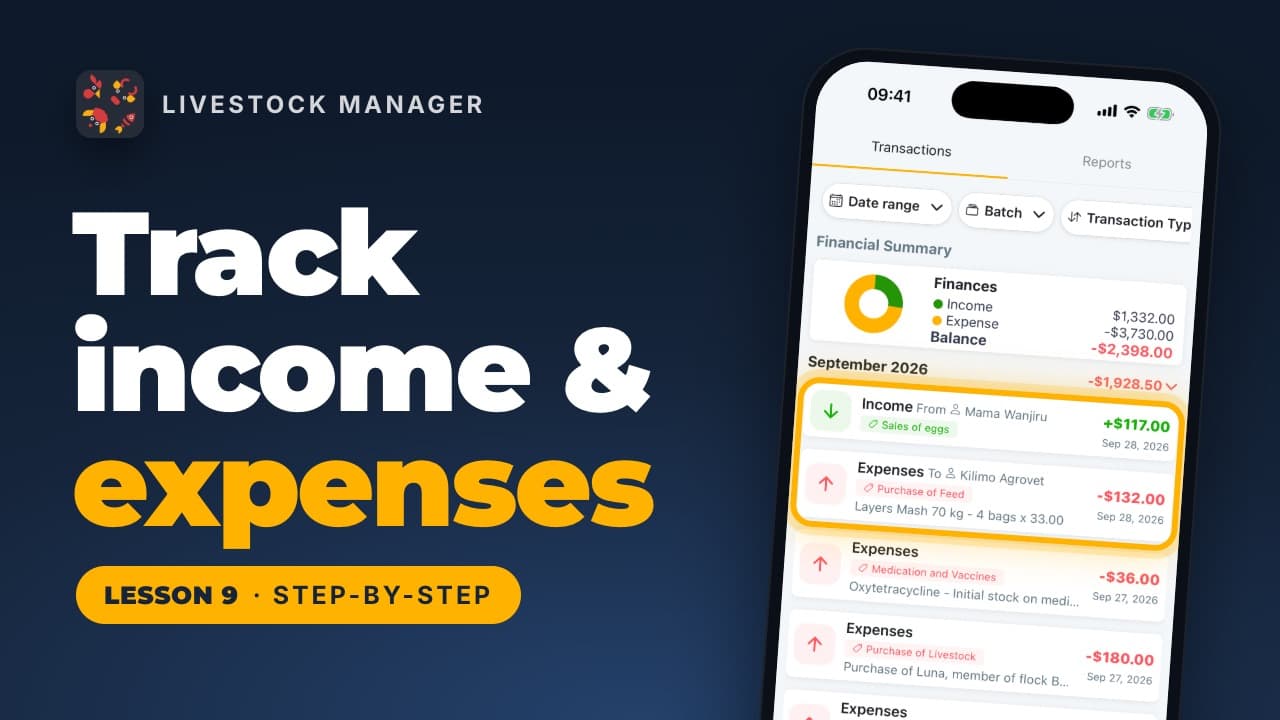
Your money lives under Finances. Tap Reports. Your balance sits at the top — everything in, everything out — then income and costs side by side. Below that, a breakdown of where your money came from (eggs, milk, goats, manure) and where it went (livestock and feed are usually the big ones). Tap More filters for exact dates, one batch, or who recorded a transaction.
Step 2: Your production report
Production has its own report, under Records. Tap Reports, then pick the period first, such as Last 30 Days. You see your laying rate — how many of your hens lay each day, such as 80% — and eggs a day. Below that, eggs collected against eggs sold or used.
Step 3: One batch
Every batch has the same reports, scoped to just that batch. Open it, for example ISA Brown, and tap Reports. You see this flock's money and laying rate on their own — useful for comparing one flock or herd against the farm average.
Common mistakes
- Reading the farm total when you meant one batch. If a number looks off, check whether you're looking at the whole farm or filtered to a batch — the same screens serve both.
- Comparing periods that don't match. The money and production reports each default to their own period; set both to the same range before comparing them side by side.
- Missing More filters. Exact dates and who recorded a transaction are a tap away, not just the quick date-range buttons.
Frequently asked questions
Where do I find my farm's money report?
Tap Finances, then Reports. It shows your balance, income against costs side by side, and a breakdown of where each came from.
Where do I find my production report?
Tap Records, then Reports. It shows your laying rate and eggs a day, with eggs collected set against eggs sold or used.
Can I see reports for just one batch?
Yes. Open the batch and tap its Reports tile. It shows the same money and laying-rate numbers, scoped to just that batch instead of the whole farm.
Can I filter the money report further?
Yes. Tap More filters for exact dates, one batch, or who recorded each transaction.