Best Farming App for Family Farms (2026)
On this page
For a family farm where parents, adult children, a vet and an accountant all need the same records, Livestock Manager is our top pick. Each person joins with their own login and a role that decides what they can see, tasks and reminders reach everyone, and the records stay in one farm that you can hand on. The catch: team invites need a paid plan, and if you want unlimited users, CattleMax and AgriWebb offer them.
Disclosure: Livestock Manager is our app. We checked the other tools' prices and features on their own websites on 2026-09-30, and prices can change.
What family farms need from a farming app
- One farm, many logins. Everyone signs in as themselves, with no shared password.
- Roles that fit the family. A daughter feeding the flock needs different screens than your accountant.
- Limited access for outsiders. A vet should see health records, an accountant should see money.
- Shared jobs and reminders. When a vaccine is due, the whole team should hear about it.
- A record that outlasts you. Years of eggs, treatments and sales in one place, so the next generation inherits data, not a shoebox.
- A price that does not punish a growing team.
Our picks
Livestock Manager: shared records with roles for the whole family
Livestock Manager runs on iOS, Android and the web, in 15 languages. It is aimed at individual farmers and small and medium livestock, poultry and mixed farms, not very large commercial operations.
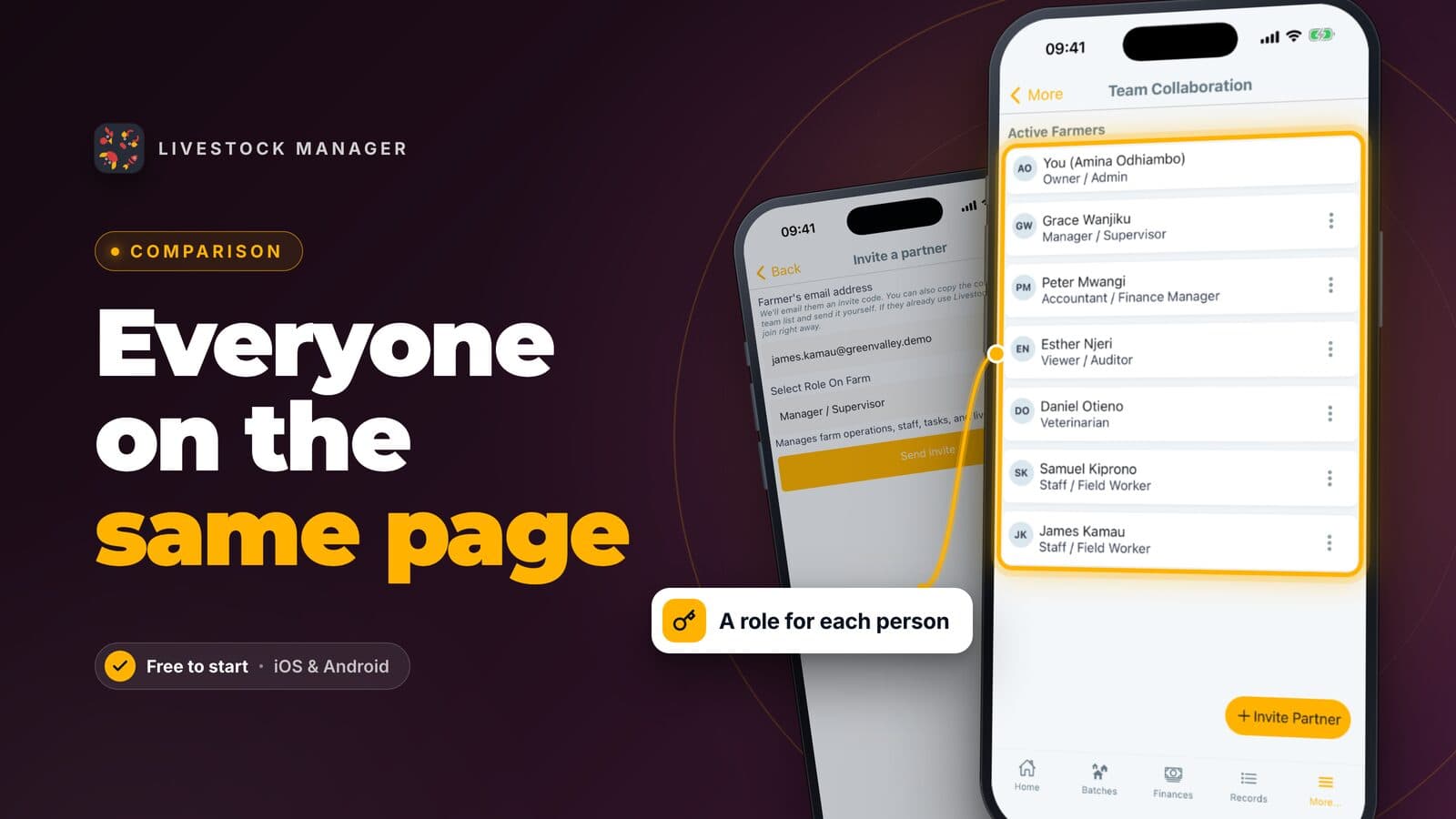
You invite people from Team Collaboration by email and choose a role. The roles are:
- Owner / Admin: the person who created the farm, with billing, settings and user management.
- Manager / Supervisor: runs operations, staff, tasks and animals, and can invite people and change roles.
- Staff / Field Worker: does assigned tasks and enters field data, with no finance screens.
- Accountant / Finance Manager: handles financial entries and profitability tracking.
- Viewer / Auditor: read-only access.
- Veterinarian: health records, the medicine store and breeding, with no access to finances.
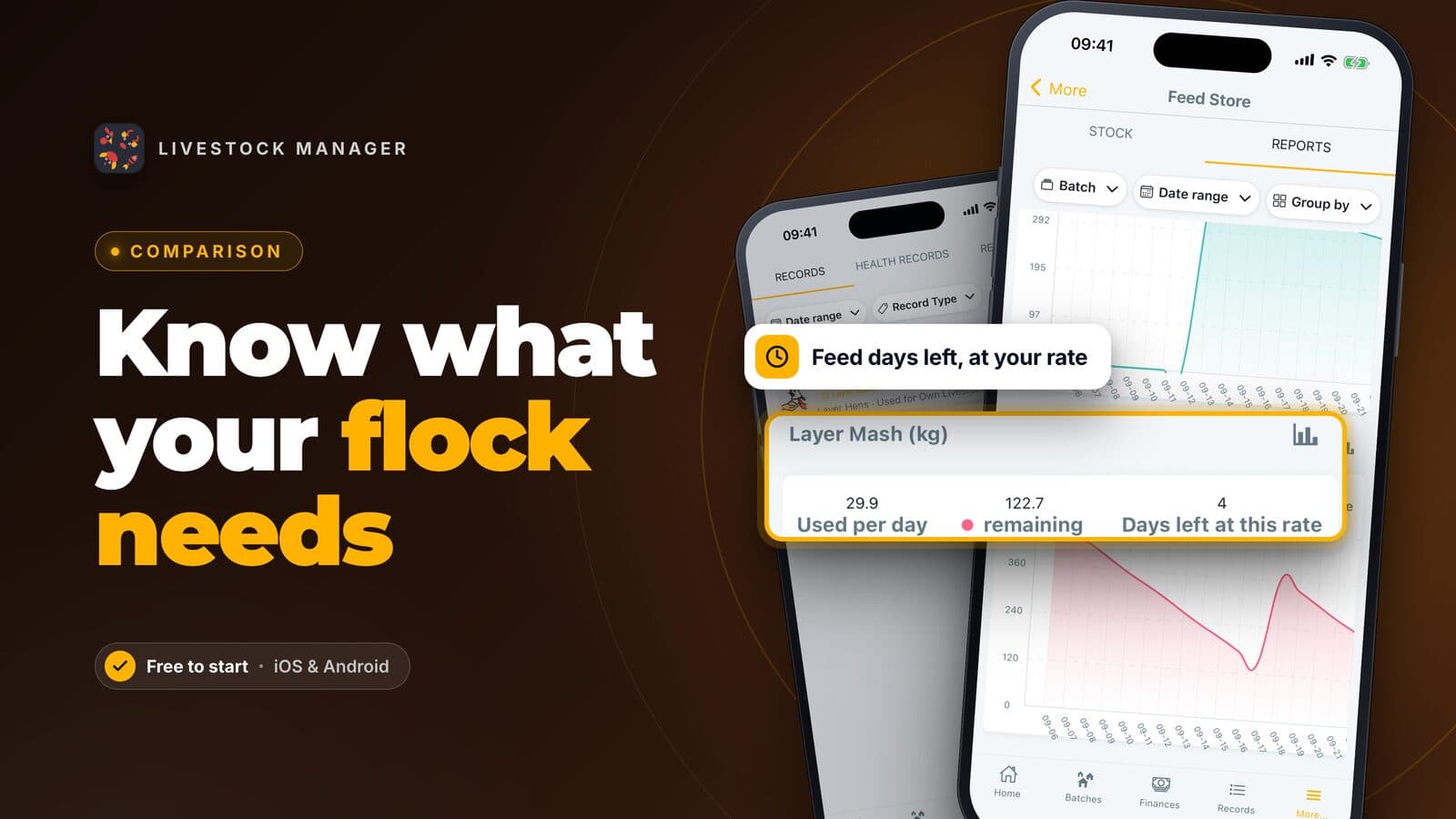
Our team roles guide covers each screen. A record one person enters shows up for everyone. Tasks and reminders go to every member who has them switched on, and you can assign a task to a person on a paid plan. Add income and expenses and health and medicine stock, and the family works from one set of numbers.
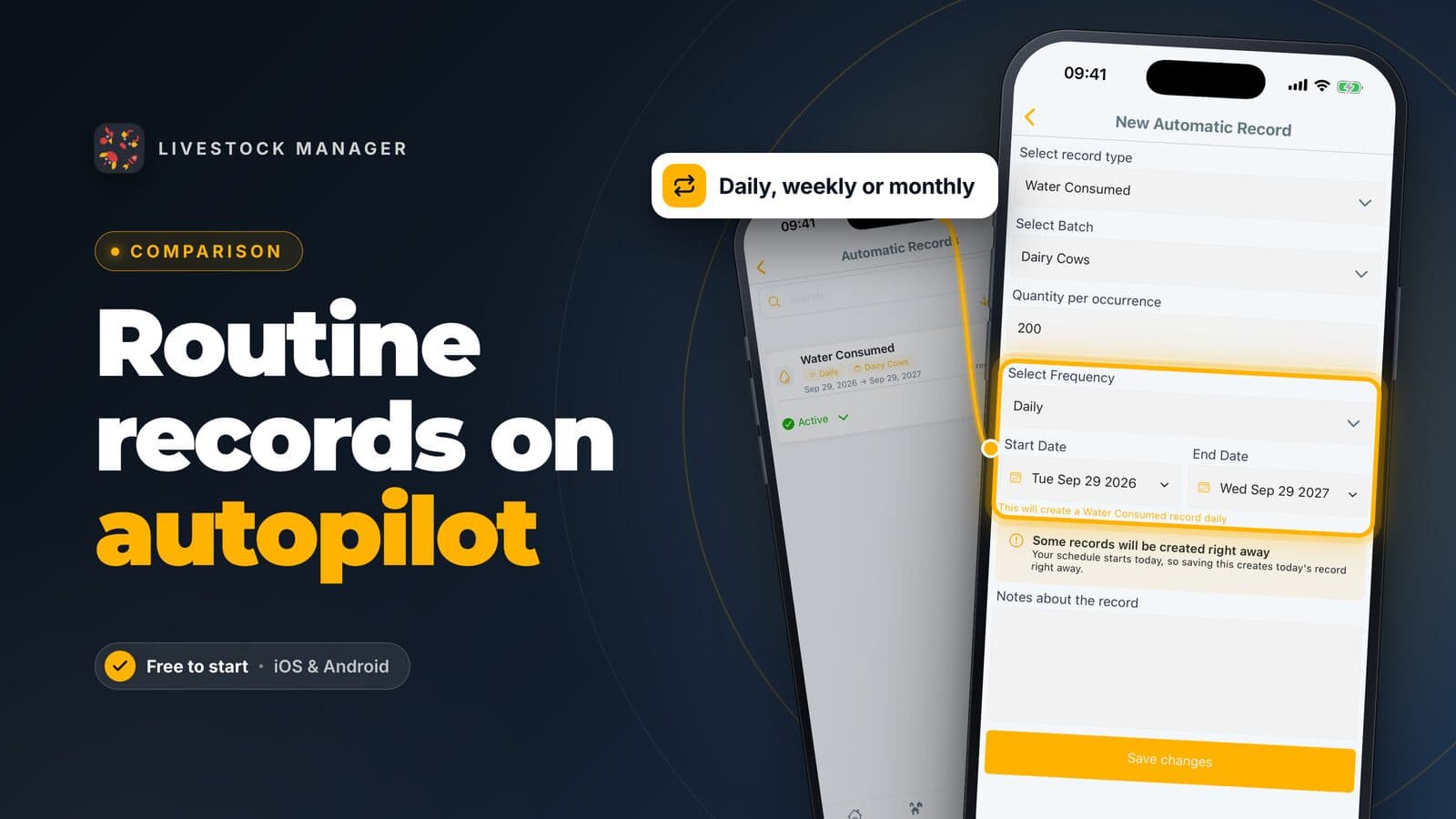
Plans: Starter is free and holds only you. Growth allows 3 people on the farm including you, and Scale allows 10 including you. Enterprise has no limit. Invites that nobody has accepted yet use a place. Growth also unlocks invoicing and automatic records. For prices, see the pricing page.
Keep three limits in mind. The app needs an internet connection, it has no paddock map, and crops are tracked only as light crop batches.
Farmbrite: family farms with crops as well as animals
Farmbrite sells livestock, crop and combined plans. Its Livestock Essentials plan includes up to 5 team members, and its Performance and Premium plans list unlimited team members. The pricing page also lists user permissions and roles and read-only and auditor roles, but does not say more. It suits a family farm where crops carry as much weight as animals.
CattleMax: cattle families who want unlimited users
CattleMax says every plan includes unlimited users. It is built for cattle, and its Commercial plan is $30 per month billed yearly for up to 250 active animals. If you keep only cattle, it fits. If you also keep poultry or goats, it does not.
AgriWebb: cattle and sheep, priced by head count
AgriWebb lists unlimited users, user roles and tasks on its plans, and prices by the number of cattle and sheep you manage. Its pricing page says it has flexible pricing for farms of all sizes. It suits a family that keeps cattle or sheep.
A shared spreadsheet: free, but manual
A Google Sheet can be shared with edit or view-only access, so it works for one or two people. It has no farm roles or animal reminders, and someone has to maintain the formulas. See our record-keeping guide.
Comparison at a glance
| Tool | Best fit | People included | Roles | Crops |
|---|---|---|---|---|
| Livestock Manager | Small and medium mixed livestock farms | Growth 3, Scale 10, both including you | Six roles | Light crop batches |
| Farmbrite | Farms with crops and animals | Livestock Essentials 5, higher plans unlimited | Roles listed, details not stated on its site | Yes |
| CattleMax | Cattle only, $30 per month billed yearly for up to 250 animals | Unlimited | Not stated on its site | No |
| AgriWebb | Cattle and sheep, priced by head count | Unlimited | Roles listed, details not stated on its site | Not stated on its site |
| Google Sheets | One or two people | Anyone you share with | None | Whatever you build |
Internet needed for Livestock Manager: yes. For a wider view, see best farm management software by farm type.
What to keep in mind about cost as the team grows
Livestock Manager charges for the plan, not per person, but the plan caps how many people fit. A family of four with a vet and an accountant is six people, which needs Scale. If the vet and accountant only look in occasionally, invite them when needed and delete the invite afterwards to free a place. Tools with unlimited users add no per-person cost, but they may price by animal count or tier.
How to get started
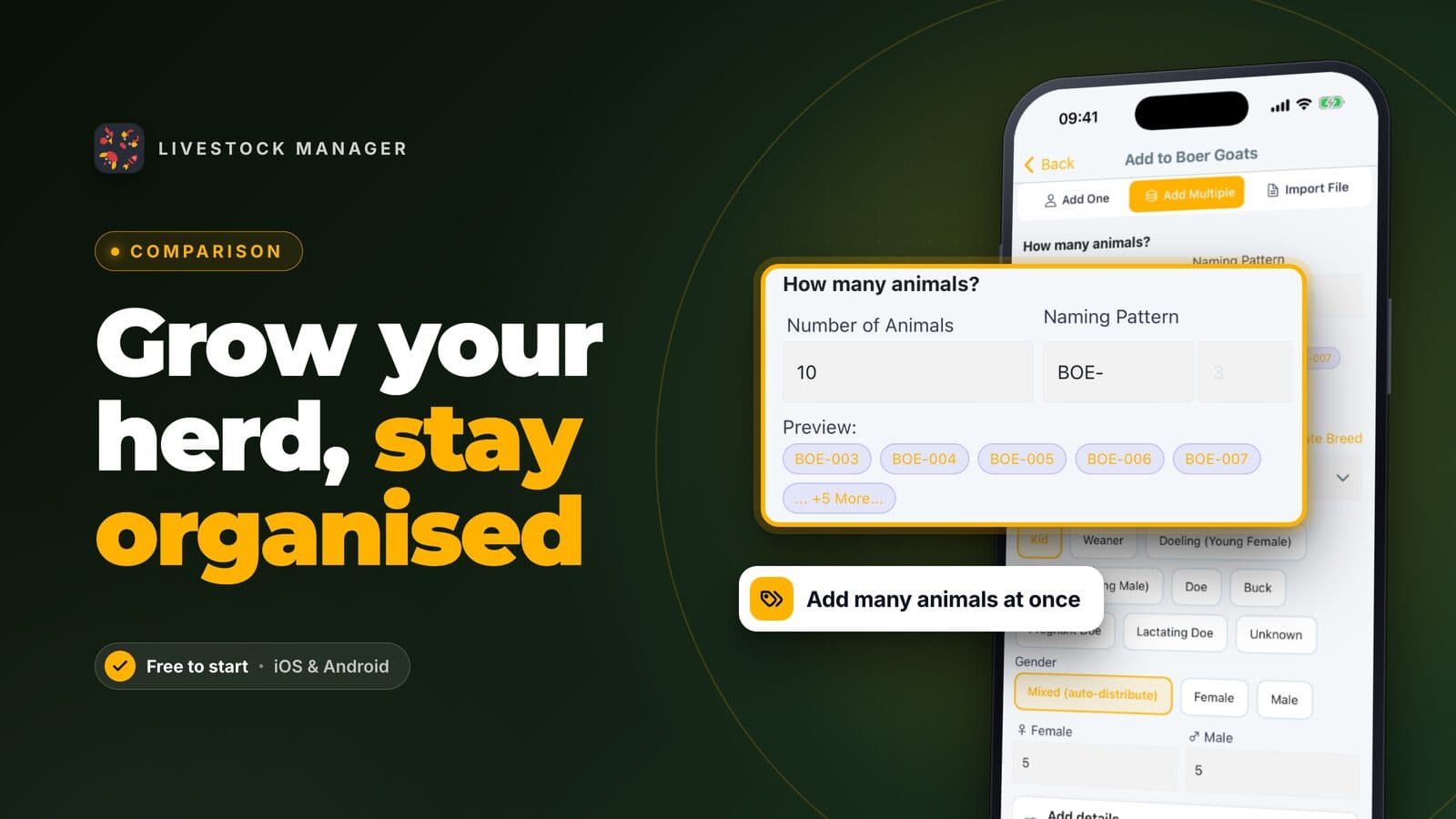
- Set up your farm account and add your first batch, following how to create a livestock batch.
- Enter your animals and daily output with how to record eggs, milk and daily production.
- Open Team Collaboration and invite family, your vet and your accountant, giving each the smallest role that works.
- Create shared jobs in tasks and reminders so everyone hears about them.
- Let relatives enter records by voice or text on their own phones.
Frequently asked questions
Can several family members use the same farm app account?
In Livestock Manager, each person signs up with their own email and joins your farm with an invite, so nobody shares a login. Invites need a paid plan: Growth allows 3 people on the farm including you, and Scale allows 10.
Can I stop a family member or worker from seeing our finances?
Yes. In Livestock Manager the Staff and Veterinarian roles have no finance screens, while Accountant and Viewer can see them. You choose the role when you invite each person and can change it later.
How do we hand the farm records to the next generation?
Keep every record in one farm, not in separate notebooks. Invite the next generation as a Manager now, so they see the full history while you still run the farm. Ownership of the farm account stays with the person who created it.
Does everyone get the task reminders?
Yes. Every farm member who has task reminders switched on and a phone that can receive notifications gets the reminder, not only the people assigned to the task. The assigned names show on the task card.
What does it cost when the family team grows?
Starter is free and holds only you. Growth adds up to 3 people on the farm and Scale up to 10, each including the owner, and invites that nobody has accepted yet use a place. Some other tools do not limit users at all, so compare before you choose.