Lesson4 মিনিট পড়া
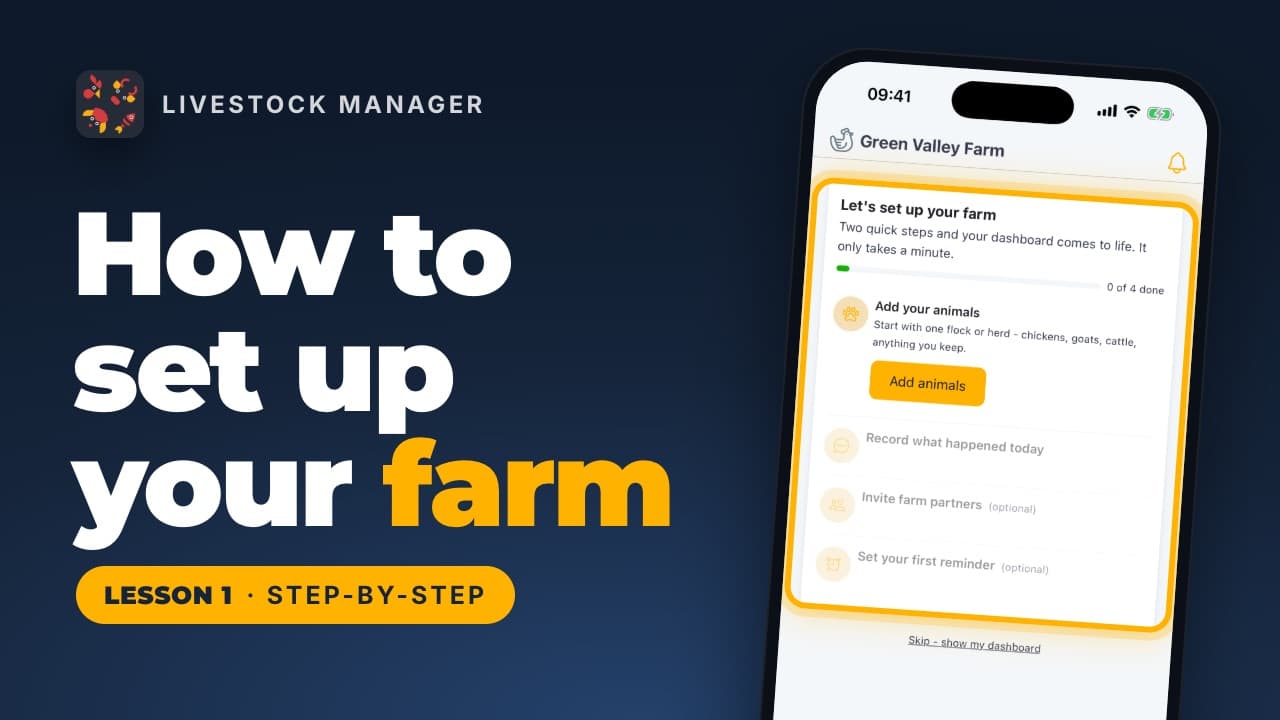
Lesson 1
How to Set Up Your Farm Account
Create your Livestock Manager account, name your farm and find your way around the Home screen, from the setup guide to the five tabs.
Video lessons
Short, step-by-step videos that walk you through the app, each with a written guide you can follow along.
Lesson 1
Create your Livestock Manager account, name your farm and find your way around the Home screen, from the setup guide to the five tabs.
Lesson 2
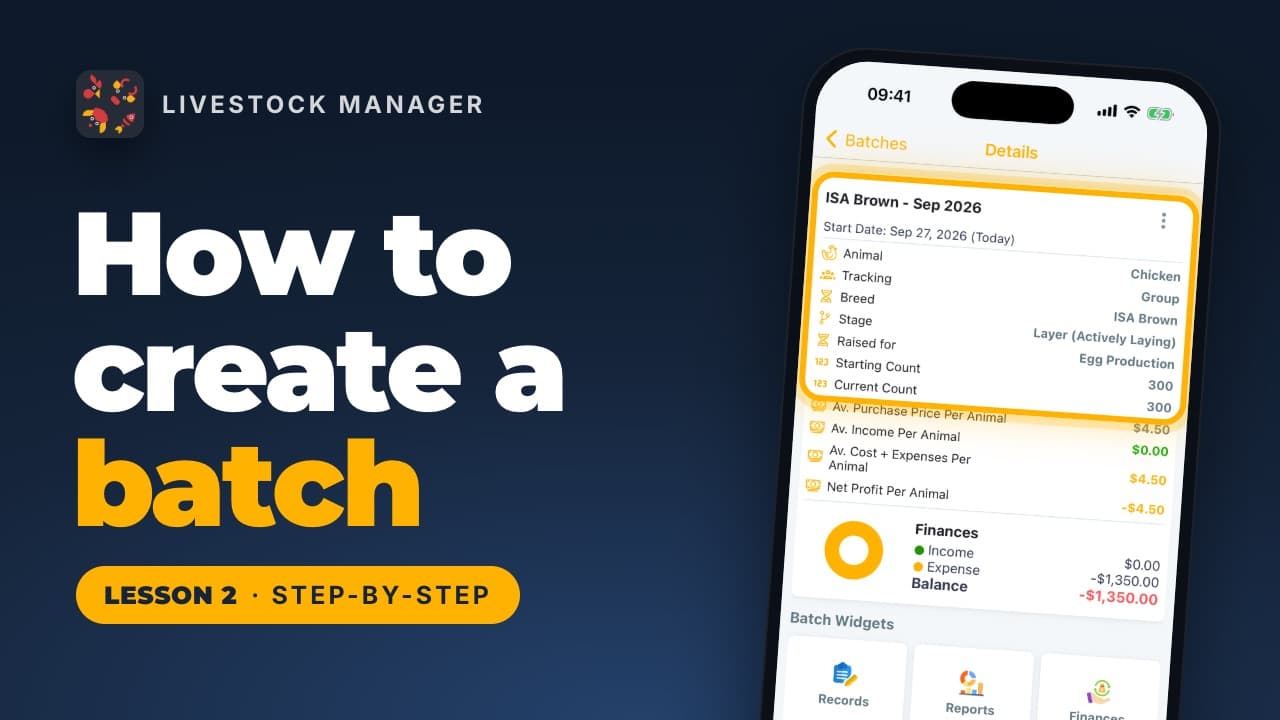
Create a batch in Livestock Manager: choose the animal, count a flock as one group or track each animal, then add breed, count, price and details.
Lesson 3
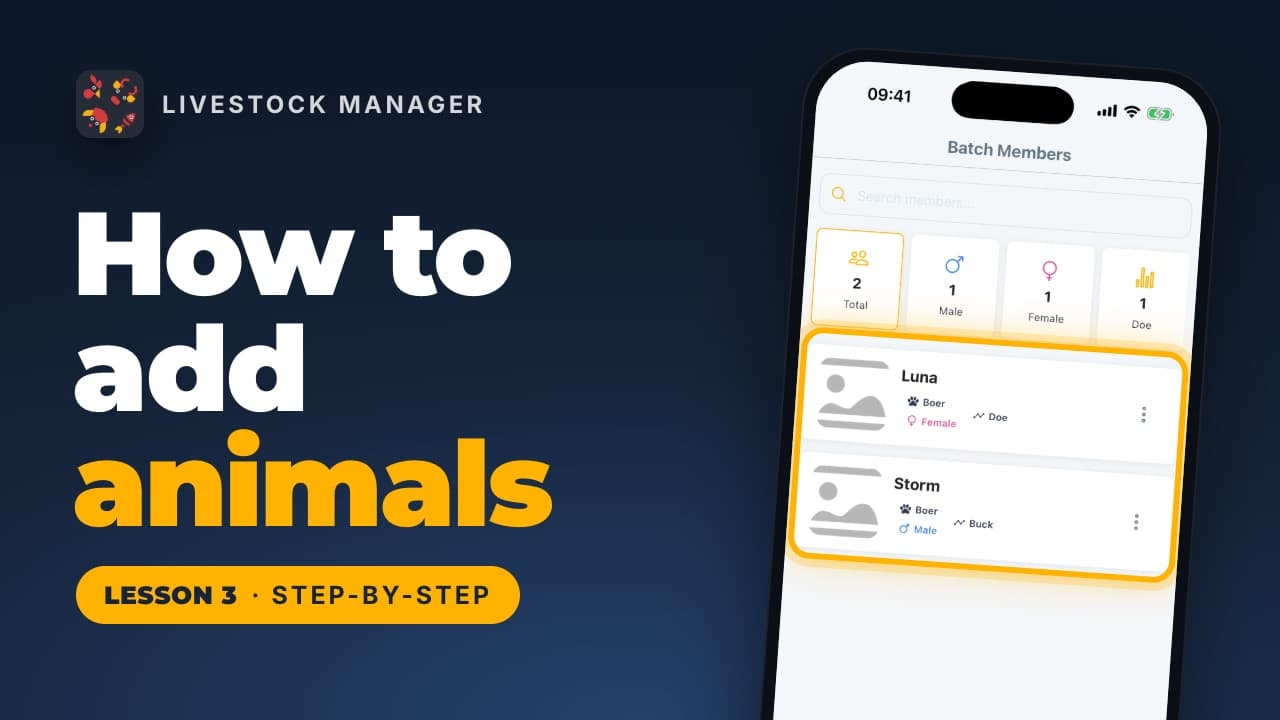
Add animals to a livestock batch one at a time, many at once, or from a spreadsheet, then open each animal's profile. Found under Batch Members.
Lesson 4
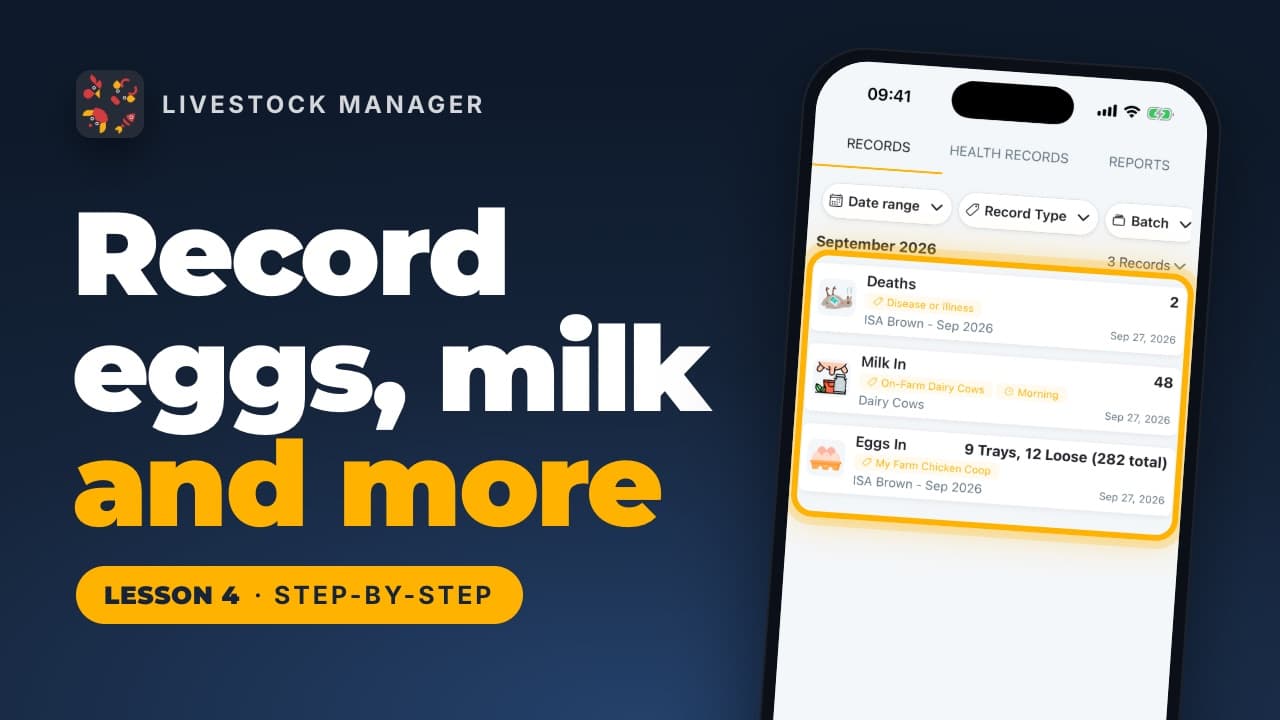
Record eggs in trays, milk by time of day, deaths, weight, water and temperature from the Records tab, then read the totals in Reports.
Lesson 5
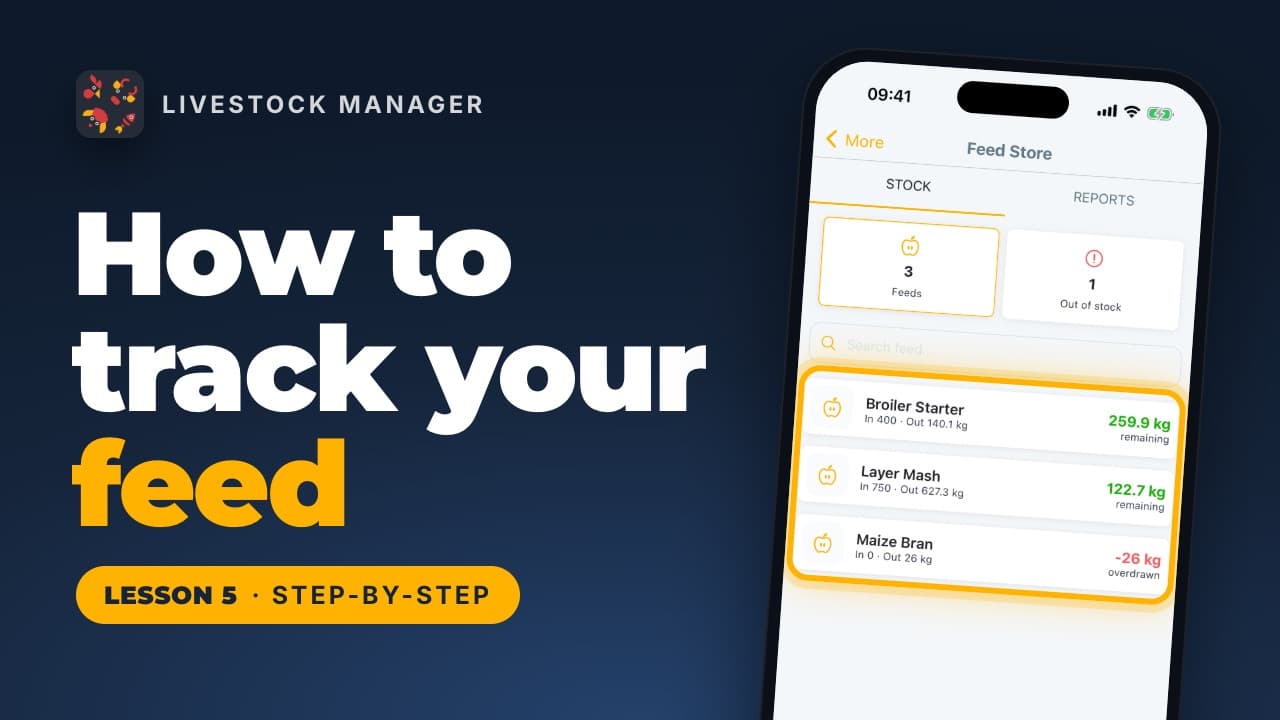
Track feed stock, record each feeding and purchase with its cost, and see how many days your feed will last, from the Feed Store in the app.
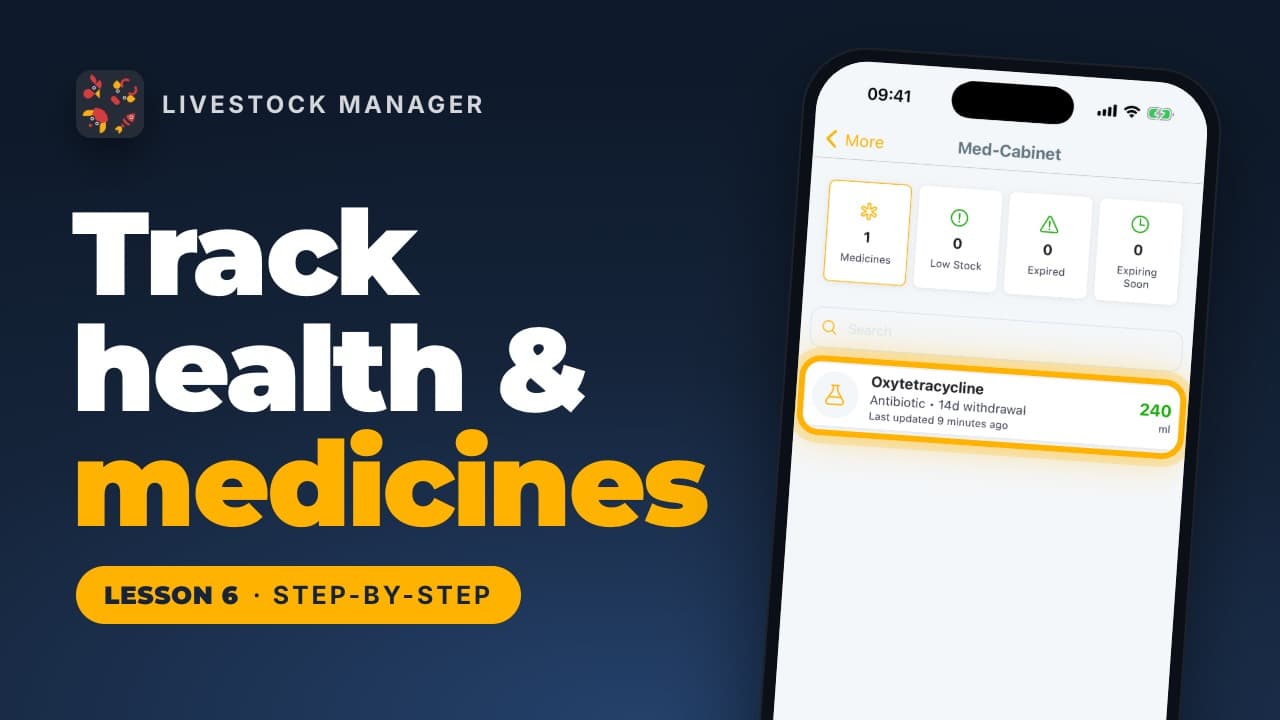
Lesson 6
Add medicines to the Medicine Store, record a treatment under Health Records, and let the app take the dose from your stock and set the withdrawal date.
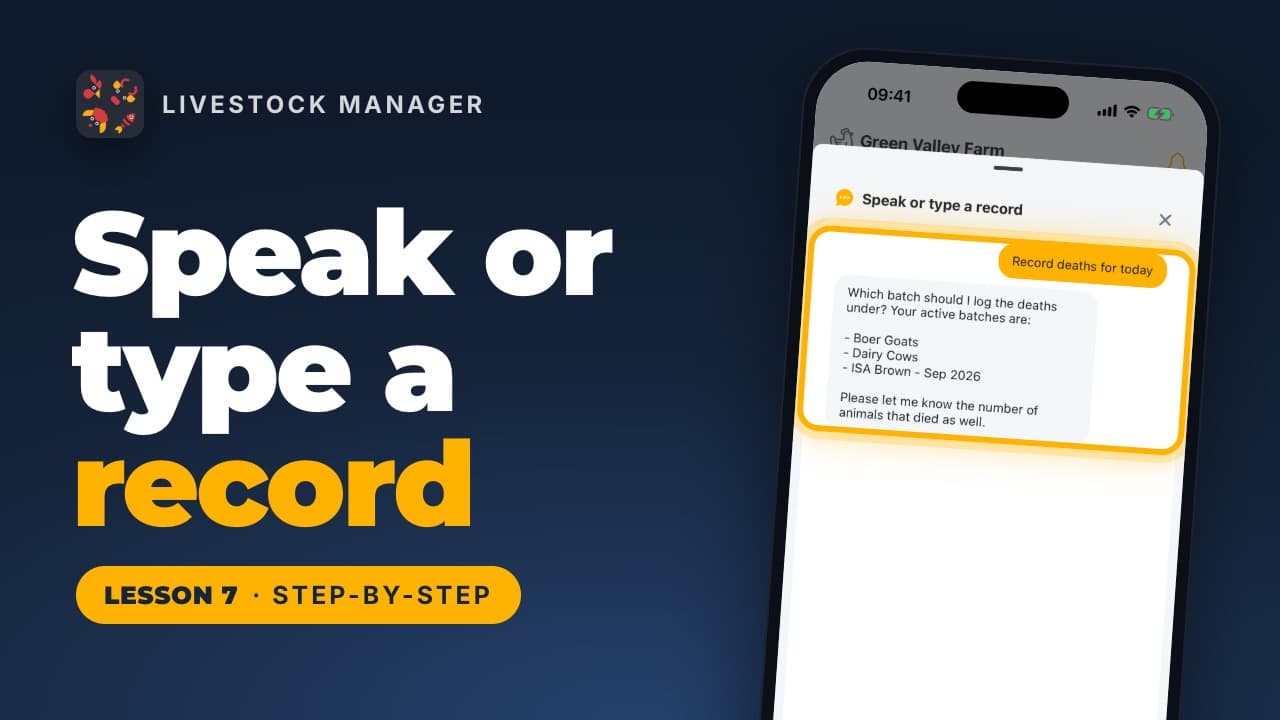
Lesson 7
Record eggs, deaths, feed, sales and more by typing or saying what happened. Use Speak or type on Home, then check the saved numbers in Records.
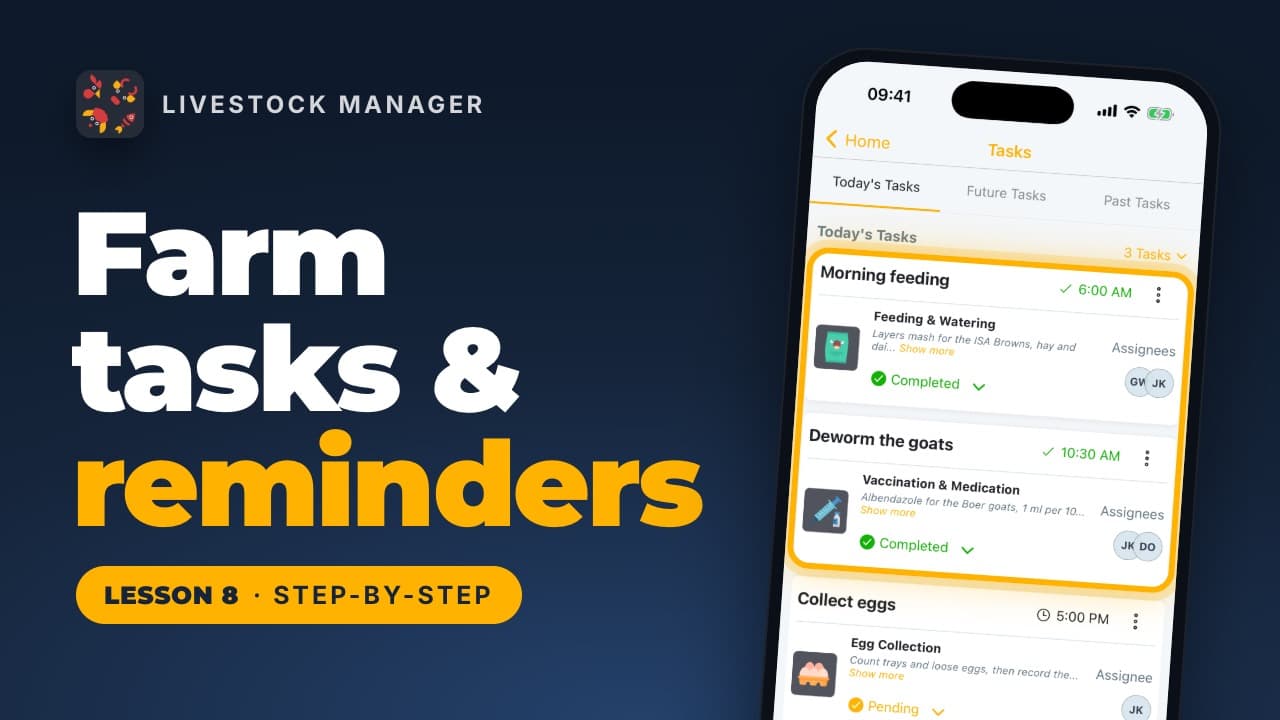
Lesson 8
Schedule feeding, vaccination and cleaning jobs once, assign people and get reminders. Find tasks on Home and under More, Task Schedules.
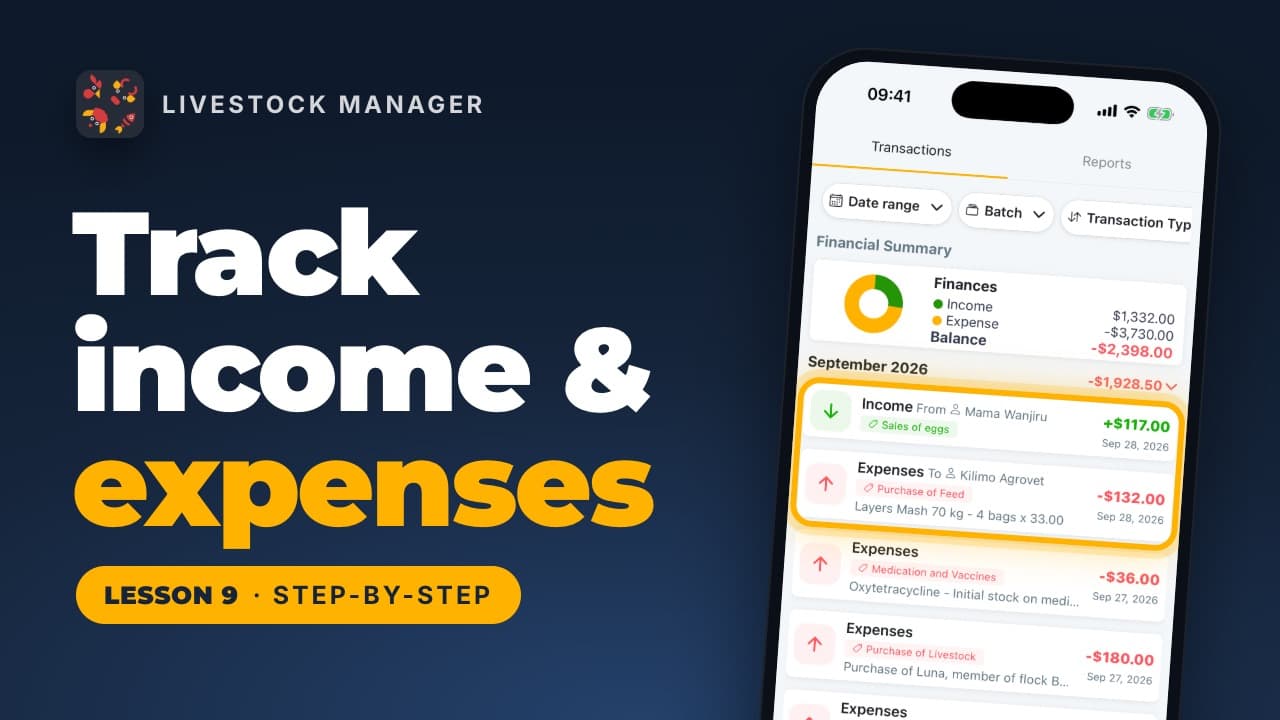
Lesson 9
Record farm sales and costs in Livestock Manager, scan a receipt to fill in an expense, and read monthly totals and reports from the Finances tab.
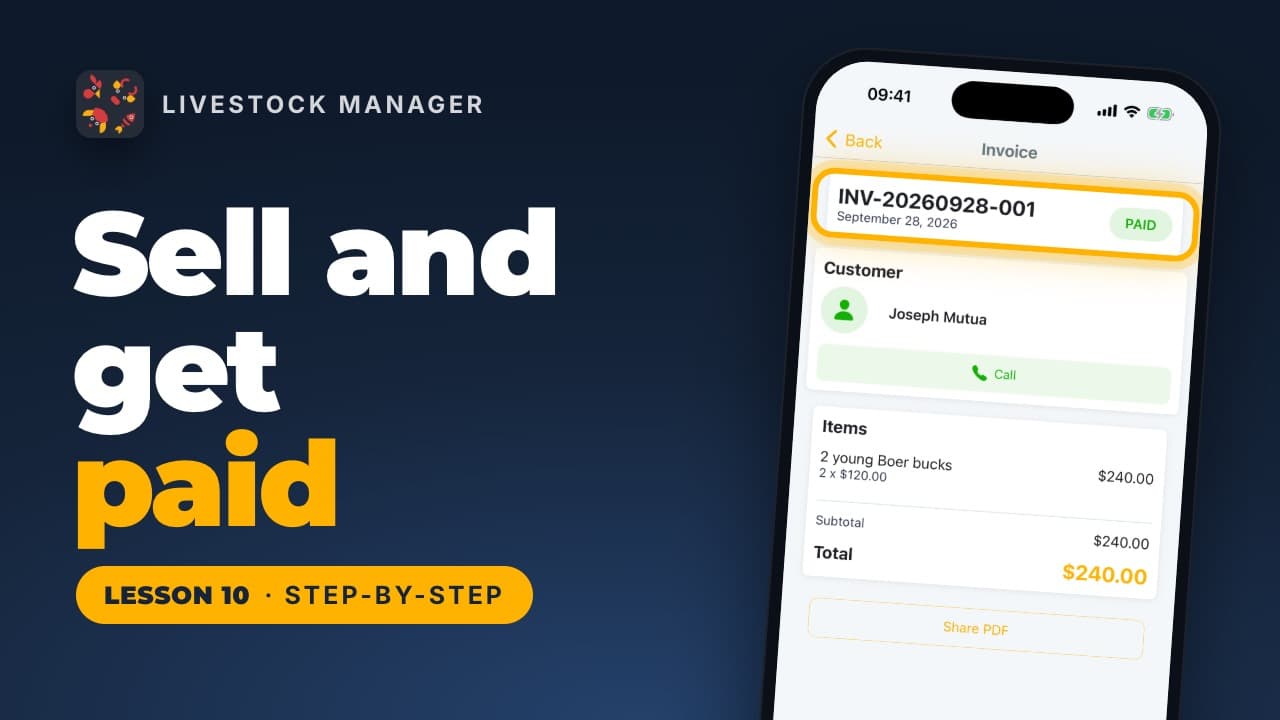
Lesson 10
Record a livestock sale with its buyer, turn it into an invoice, send it and mark it paid in Livestock Manager. Start from More, then Selling.
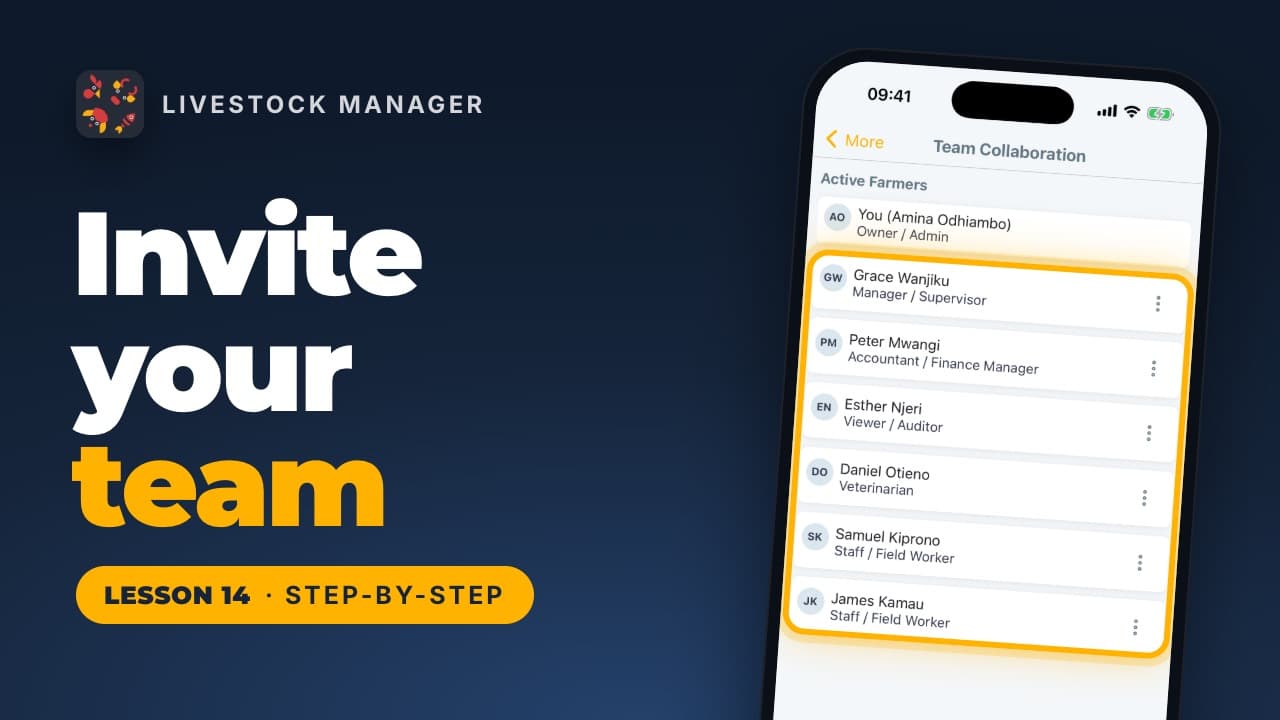
Lesson 14
Invite workers, a vet or an accountant to your farm by email, choose a role for each, and block anyone who leaves, from Team Collaboration in the app.
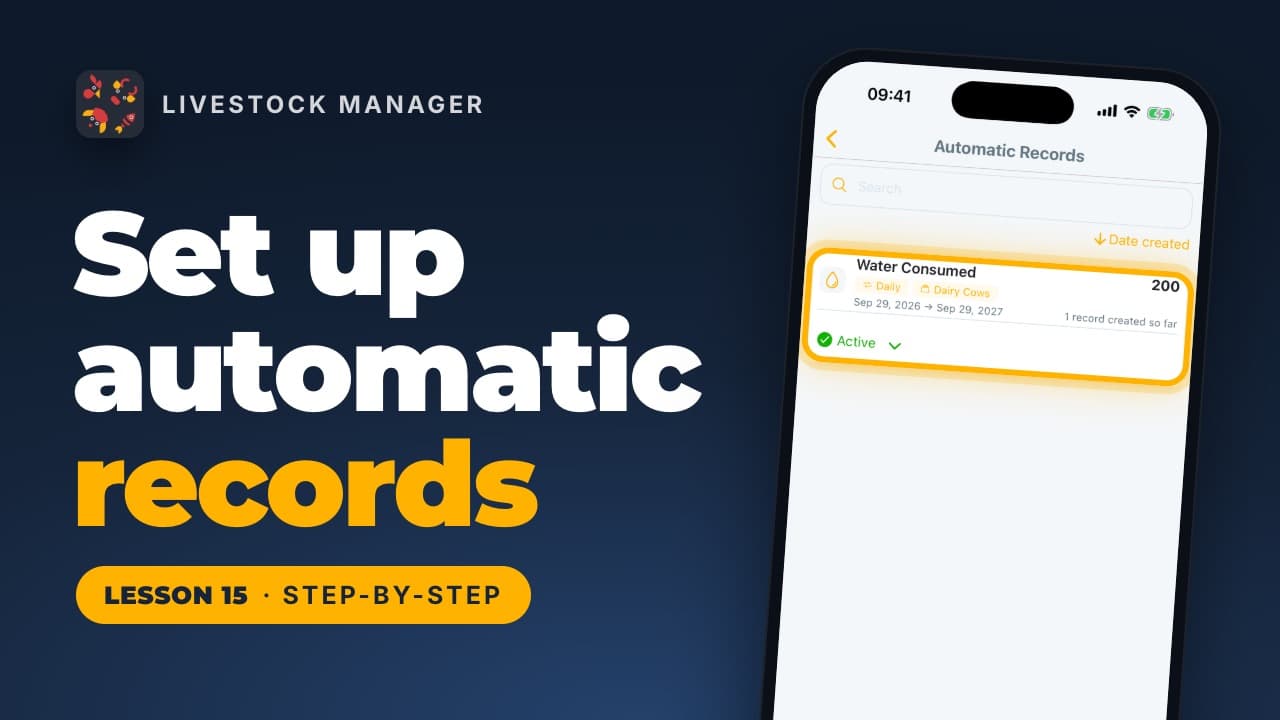
Lesson 15
Set up a schedule for daily feed, water or other farm records and let the app write them for you. Find it in More, under Planning & records.

Livestock Manager
Pila দ্বারা তৈরি


© 2026 Pila Studio UG (haftungsbeschränkt). সর্বস্বত্ব সংরক্ষিত।