Best Farming App for Individual Farmers (2026)
On this page
If you run a livestock farm on your own, Livestock Manager is our top pick. The free Starter plan is built for one person, you can log a record by speaking or typing in seconds, and health, feed, sales and expenses live in one app. If you run a large cattle herd or a crop business, a tool built for that may fit better, and we say which below.
Disclosure: Livestock Manager is our app. We checked the other tools' prices and features on their own websites on 2026-09-30, and prices can change.
What individual farmers need from a farming app
You do the feeding, selling and paperwork yourself, often around another job.
- Speed. If a record takes more than a few seconds, you will skip it.
- Nudges. The app should remember vaccination dates and feed orders for you.
- Records that protect income. Health treatments, feed and sales records show what a batch really earned and prove what you did.
- Reports on demand. A bank or buyer will ask for numbers. You want them without an evening of spreadsheet work.
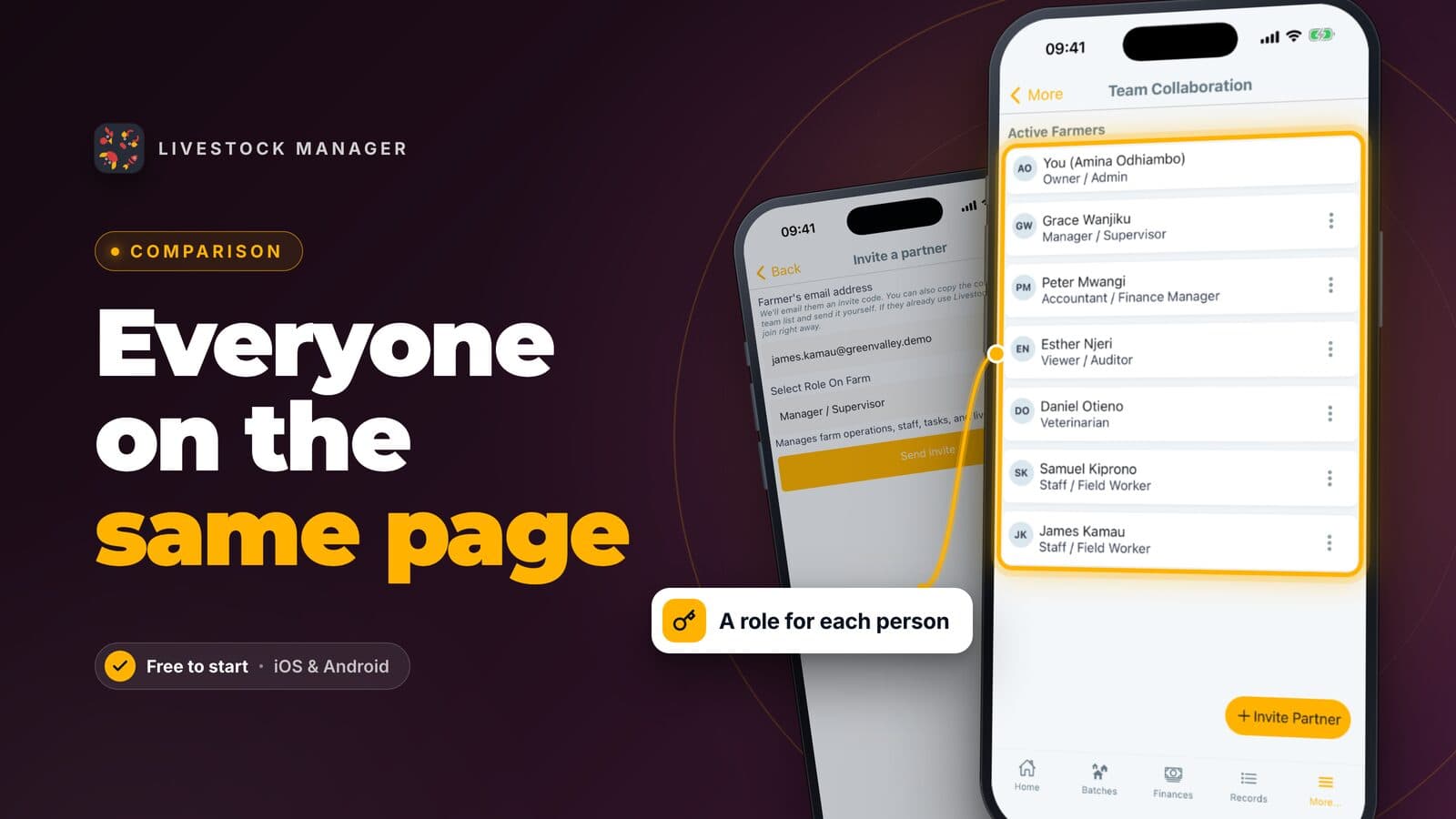
- A plan sized for one person. Team seats built for farms with staff are wasted on you.
- Honest limits. Know before you start whether the app needs signal and what it does not do.
Our picks
Livestock Manager: a free plan built for one person
Livestock Manager runs on iOS, Android and the web, in 15 languages. Here is how it covers the needs above.
- Fast phone entry. Tap Speak or type on Home and say or type what happened, such as "5 trays of eggs today". Nothing is saved until you check and send it. See how to record farm data by voice or text.
- Receipt scanning. On the Create Transaction screen, tap Scan or upload to auto-fill. Photograph a receipt and the app fills in the amount, date and category for you to check. See farm income and expense tracking.
- Tasks and reminders. Add a task and the app reminds you. See farm tasks and reminders.
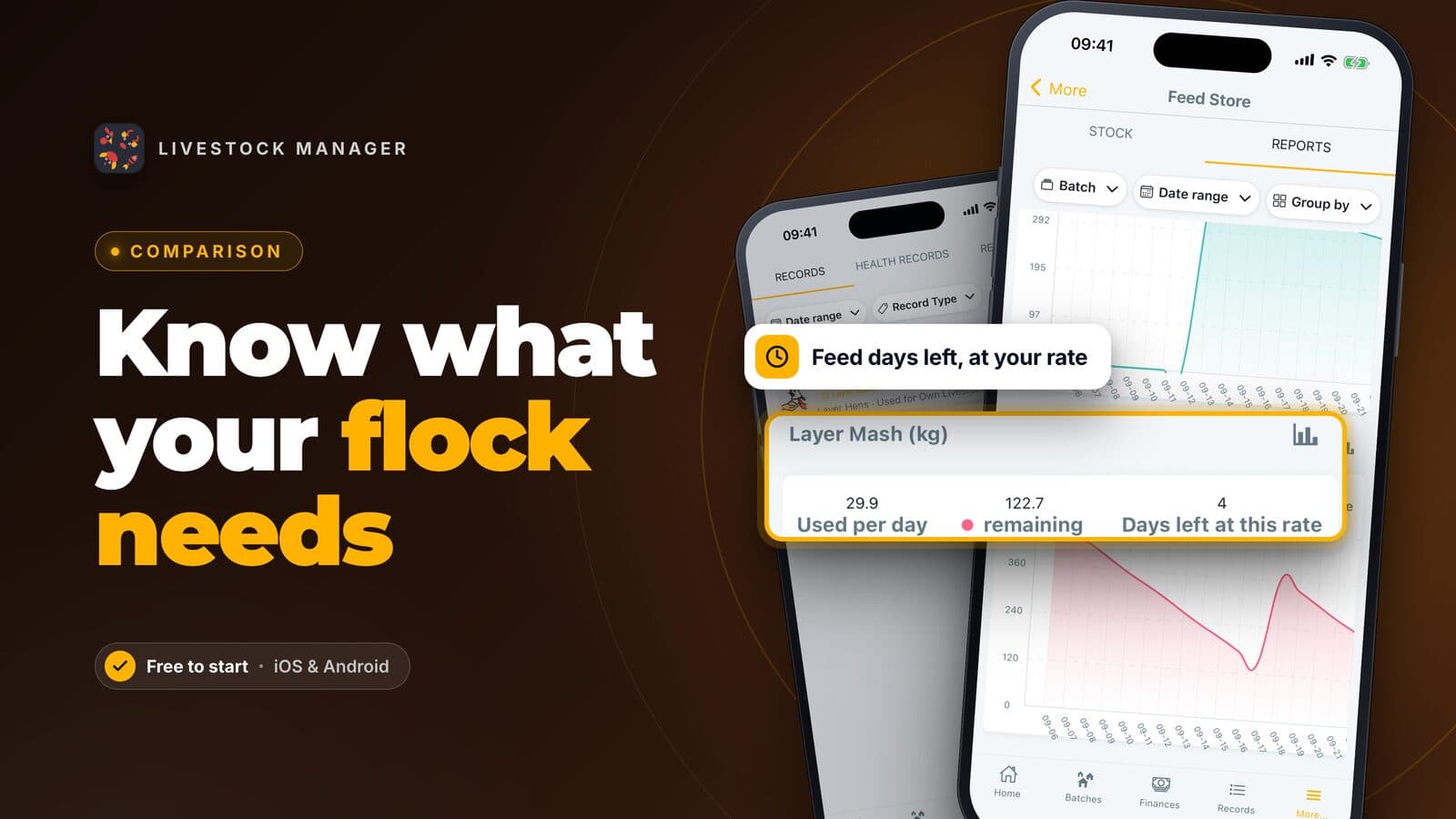
- Records that protect income. Health records and a medicine store keep your treatments on file. Health records include withdrawal periods, and the app shows when an animal is safe to sell. A feed store shows days of feed left. See livestock health records and medicine stock.
- Reports for the bank or a buyer. Reports download as PDF or CSV, and they are plan-gated. Reports need Growth or higher; Growth allows 10 downloads a month, and Scale and Enterprise are unlimited.
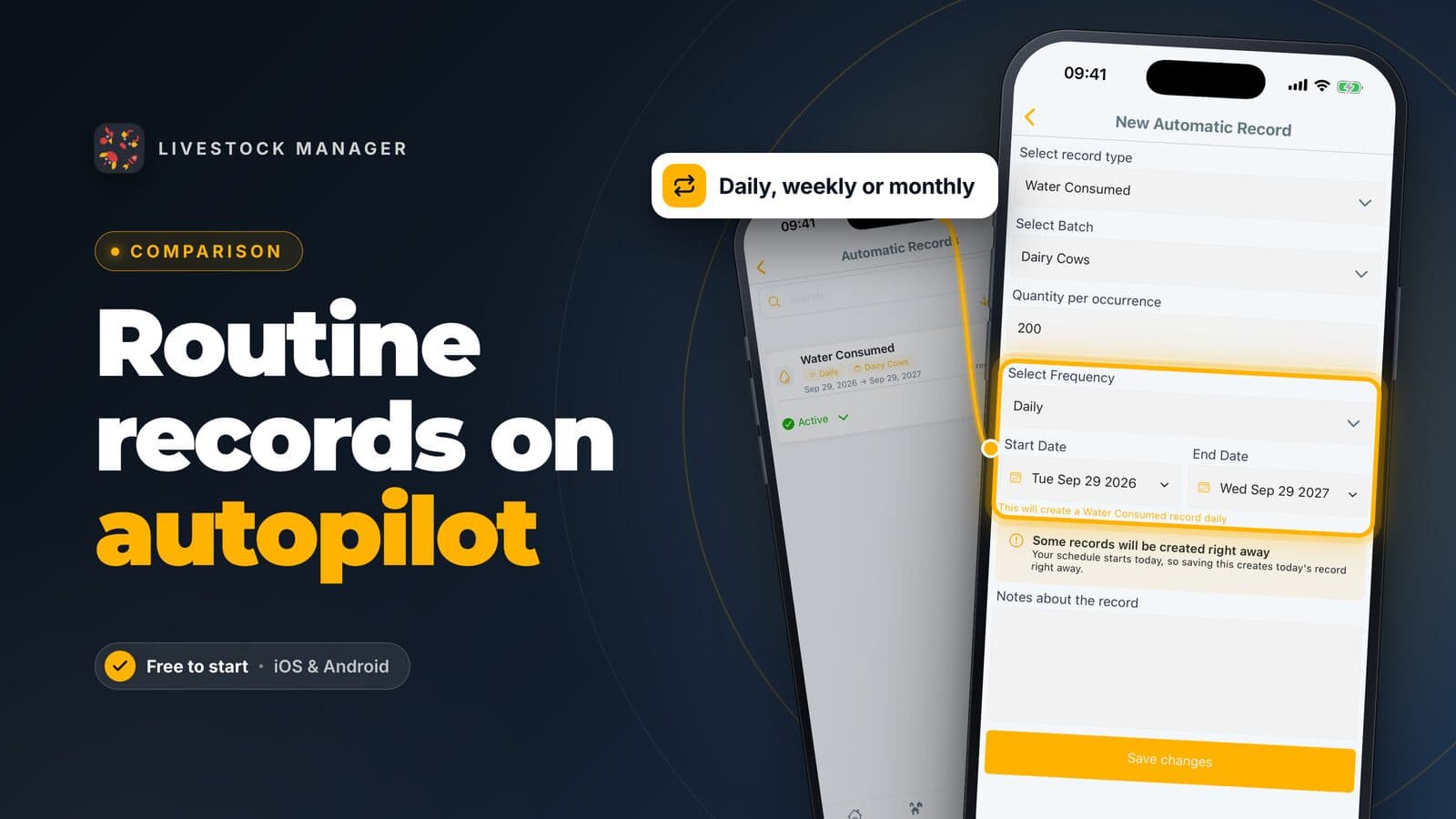
Plans are Starter (free), Growth, Scale and Enterprise. Starter is built for one person: it includes 1 team member (you). Its limits are 2 batches, 5 animal profiles per farm, 50 records a month, 30 transactions a month, 5 medicines, 5 contacts, 5 schedules and 10 Speak or type records a day. Invoicing and automatic records start on Growth, which covers 3 people on the farm including you. On Starter the web app is read-only. For prices, see the pricing page.
The limits: Livestock Manager needs an internet connection and has no offline mode. It has no paddock map. Crops are light crop batches, not a crop planner.
Notebook or spreadsheet: free and fully yours
A paper notebook or a Google Sheets file costs nothing. It is sound for a handful of animals. The catch: nothing reminds you, and totals and bank reports are done by hand. Our farm record keeping guide lists what to write down either way.
Farmbrite: broad, and priced for whole-farm needs
Farmbrite covers livestock, crops and accounting. Its livestock plans run $29, $49 and $79 a month, and its complete livestock-and-crop plans run $59, $79 and $109 a month, with a 14-day free trial. Its site lists offline record keeping and iOS and Android apps. If you also grow crops to sell, it fits well. If you only keep animals, you may not need that breadth. See our Farmbrite alternatives page.
AgriWebb: cattle and sheep, priced by animal count
AgriWebb serves cattle and sheep farmers, and charges by the number of animals you manage. It offers a free trial, a mobile app that works offline in the field, and it lists five countries: Australia, New Zealand, the United Kingdom, the United States and South Africa. It suits a cattle or sheep farm in those countries. See AgriWebb alternatives.
CattleMax: cattle ranches
CattleMax is for cattle. Commercial costs $30 a month billed yearly and Registered costs $41, with a 21-day free trial, and prices step up with your number of active animals. See CattleMax alternatives.
How the picks compare
| Tool | Starting cost | Free option | Species | Internet needed |
|---|---|---|---|---|
| Livestock Manager | Free plan; see the pricing page | Free Starter plan | Multi-species livestock | Yes |
| Notebook or spreadsheet | Free | Not applicable | Any | No |
| Farmbrite | $29/month (livestock) | 14-day trial | Livestock and crops | Offline record keeping listed |
| AgriWebb | Set by animal count | Free trial | Cattle and sheep | Mobile app works offline |
| CattleMax | $30/month, billed yearly | 21-day trial | Cattle | Not stated on its site |
See also our comparison of farm management software.
How to get started
- Set up your farm. Create your account and farm, as in how to set up your farm account.
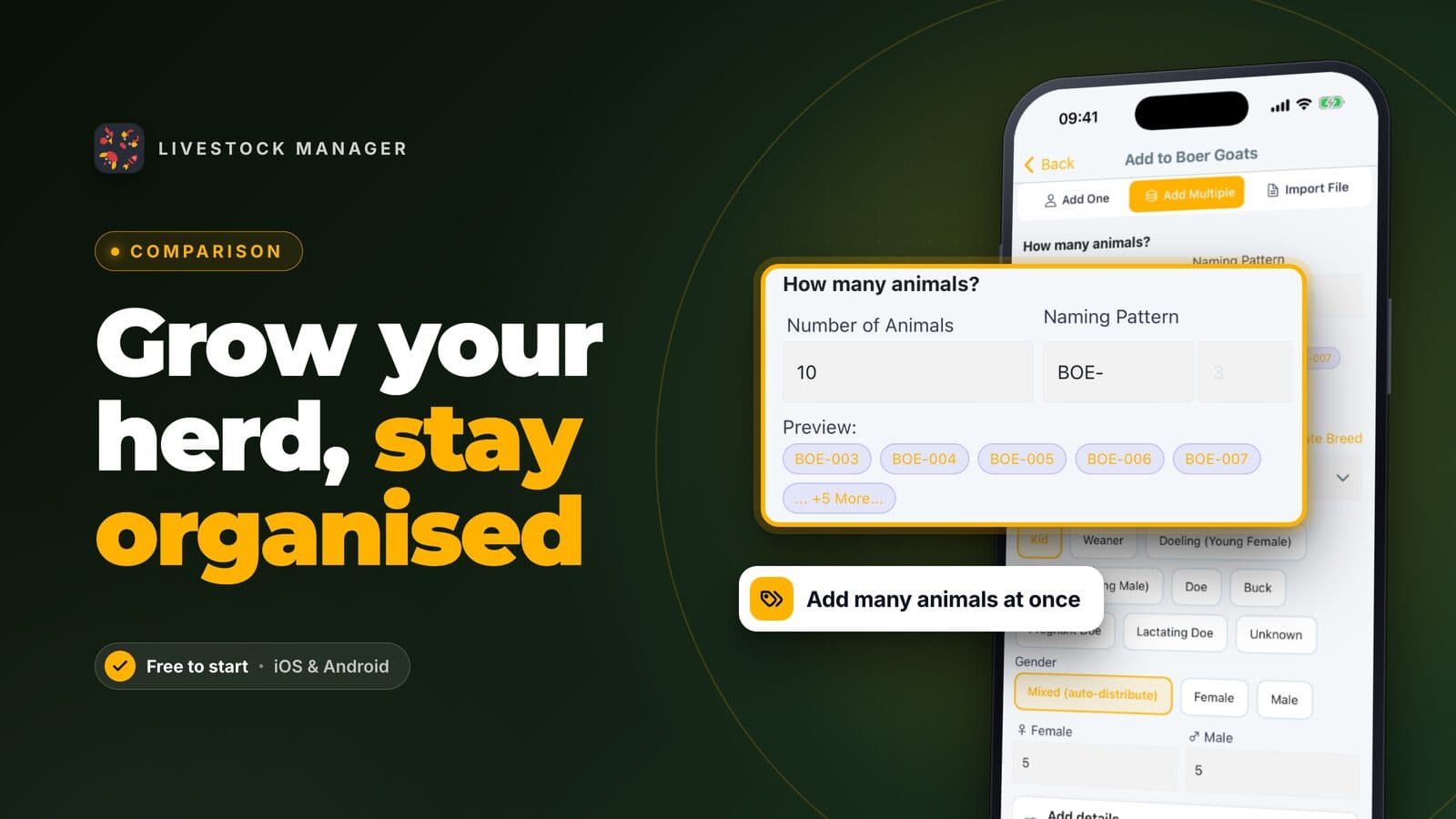
- Add what you keep. Create a batch, or a profile for each animal. See how to create a livestock batch.
- Record the day by voice. Use Speak or type on Home. See how to record eggs, milk and daily production.
- Scan your next receipt. Use Scan or upload on the Create Transaction screen, then check the numbers. See farm income and expense tracking.
- Set your first reminder. Add a task for your next vaccination, as in farm tasks and reminders.
Frequently asked questions
What is the best farming app if I run my farm alone?
For a livestock farm run by one person, Livestock Manager is our top pick. Its free Starter plan is built for one user, records take seconds by speaking or typing, and health, feed and money sit in one app. If you only run a large cattle herd or a crop and market-garden business, a tool built for that may fit better.
Can a solo farmer use Livestock Manager for free?
Yes. The Starter plan is free and includes one team member, which is you. It has limits, such as 50 records and 30 transactions a month, so a very busy farm may outgrow it.
Can I give my bank or a buyer a report from the app?
Yes, reports download as PDF or CSV, but they are plan-gated. Reports need Growth or higher; Growth allows 10 downloads a month, and Scale and Enterprise are unlimited.
Do I need a phone signal to use a farming app in the field?
For Livestock Manager, yes. It needs an internet connection and has no offline mode. If you can jot the numbers down and enter them when you are back in signal, that works, but tools that advertise offline use suit dead-signal fields better.
Is a spreadsheet or notebook enough for a farmer with little spare time?
Yes, if you keep few animals and enjoy it. The cost is your time: you copy numbers, add them up and chase dates yourself. If that takes more than a few minutes a week, an app that takes records by voice and sets reminders gives the hours back.