How to Find Help in Livestock Manager
Not sure how to do something? The Help Center has step-by-step guides grouped by topic, most with a video, quick answers to common questions, and every way to reach us.
Who it's for: anyone stuck on how to do something in the app. Plan: every plan. Time: a minute or two to find your answer.
Step-by-step
Step 1: Open the Help Center
On the Home screen, tap More. Help Center is near the top. At the top of it: a search box, then WhatsApp, Email and Tutorials. Below that, guides grouped by topic, such as Getting Started and Farm Management. A guide with a video is marked Video.
Step 2: Search
Tap Search for help... and type what you want to do. Want to add a worker? Type invite, and the Your Team guide comes up. Tap it to open it.
Step 3: Follow a guide
The guide's video is right at the top; it opens on YouTube. Below it, the guide goes one step at a time. A button such as Go to Team Collaboration takes you straight to the screen the step happens on. Come back to the guide and tap Next for the next step. The bar at the top shows how far you have come: Step 2 of 5.
Step 4: Quick answers, or reach us
Further down, Frequently Asked Questions answers common questions. Tap one, such as How do I record a sale?, and it opens to show the way there, step by step.
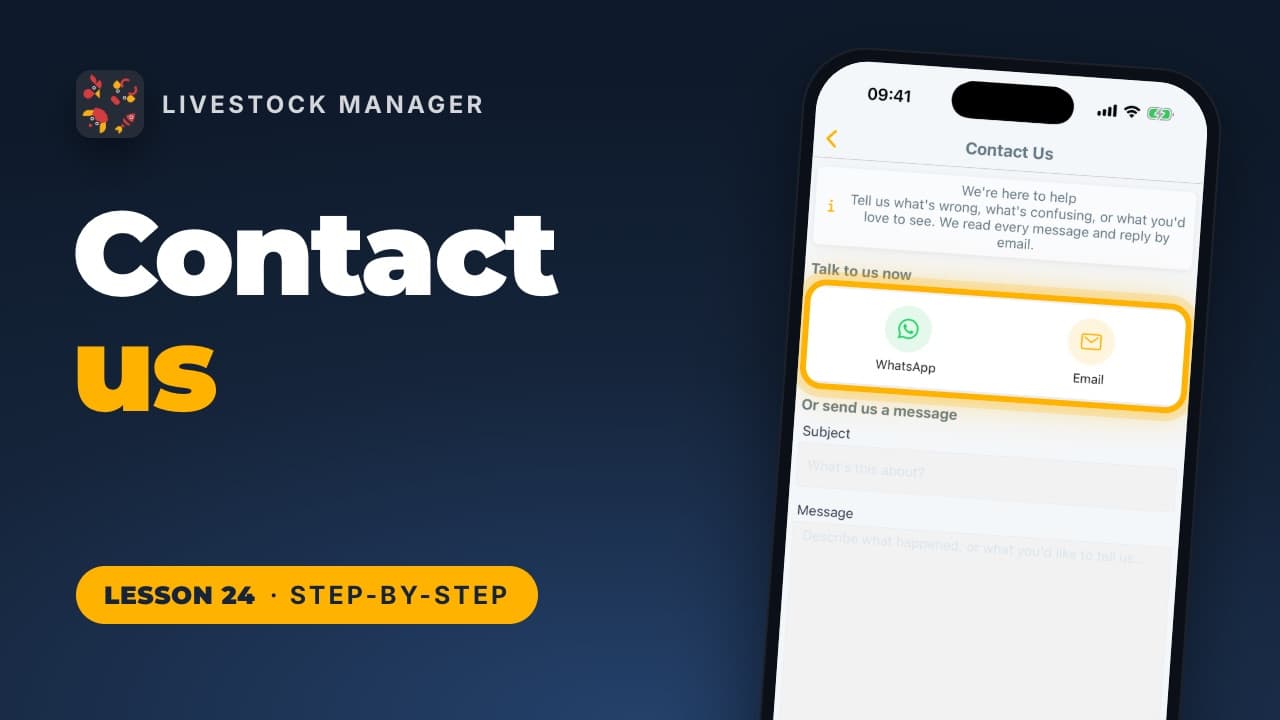
Still stuck? Tap WhatsApp or Email at the top of the Help Center. Or tap Contact Us at the bottom, under "Can't find what you're looking for?", and write to us from the app.
Every lesson is also on our lessons page, in order.
Common mistakes
- Scrolling instead of searching. The search box finds the right guide faster than scrolling through every topic. Type what you want to do, in a word or two.
- Reading a guide without using its shortcut. The Go to button opens the screen the step happens on, so you can follow along instead of hunting for it.
- Stopping at the first answer. If a guide doesn't cover your case, the questions at the bottom might, and Contact Us reaches our team.
Frequently asked questions
Where is the Help Center in the app?
Tap More on the Home screen. Help Center is near the top of the list.
Do the guides have videos?
Most do. A guide with a video is marked Video in the list, and the video sits at the top of the guide. It opens on YouTube.
How do I contact Livestock Manager support?
In the Help Center, tap WhatsApp or Email at the top, or tap Contact Us at the bottom to write to us from the app.
Is there help on the web app too?
Yes. Open Help in the web app's side menu for the video lessons, written guides and common questions, and to reach us on WhatsApp or by email.