How to Use the Livestock Manager Farmer Community
The community is where farmers who use Livestock Manager ask each other questions and share what worked. Read what others share, in your own language, add your answer, and ask your own question when you are stuck.
Who it's for: anyone who wants a second opinion from farmers who have been there. Plan: every plan; adding a picture to a post needs Growth or higher. Time: a minute to read, a couple to post.
Step-by-step
Step 1: Open the community
On the Home screen, tap More. Community is near the top, between Contact Us and Help Center. Tap it. You see questions and tips from farmers who use the app, with the newest near the top.
Step 2: Read what farmers share
Each post shows who wrote it, their farm and when. Some are written in other languages: Jean-Paul writes from Cameroon, in French. Under his post, tap See translation, and it appears in the language your app is set to. See original switches back. Posts already in your language have no link to tap.
Step 3: Join in
Achieng wrote that her hens laid fewer eggs in the hot weeks. Tap the comment icon under her post to see the replies. Add what worked for you in the box, then tap Add comment. Your answer appears in the thread.
Found a post useful? Tap the thumbs-up under it to like it, so the writer knows it helped.
Step 4: Ask your own question
Tap New Post. On Create Post, give it a Post title, such as Deworming goats in the rainy season, then the details in Post body: ask what you would ask a neighbour. Tap Create post. It is posted to the community, where farmers everywhere can read it and answer.
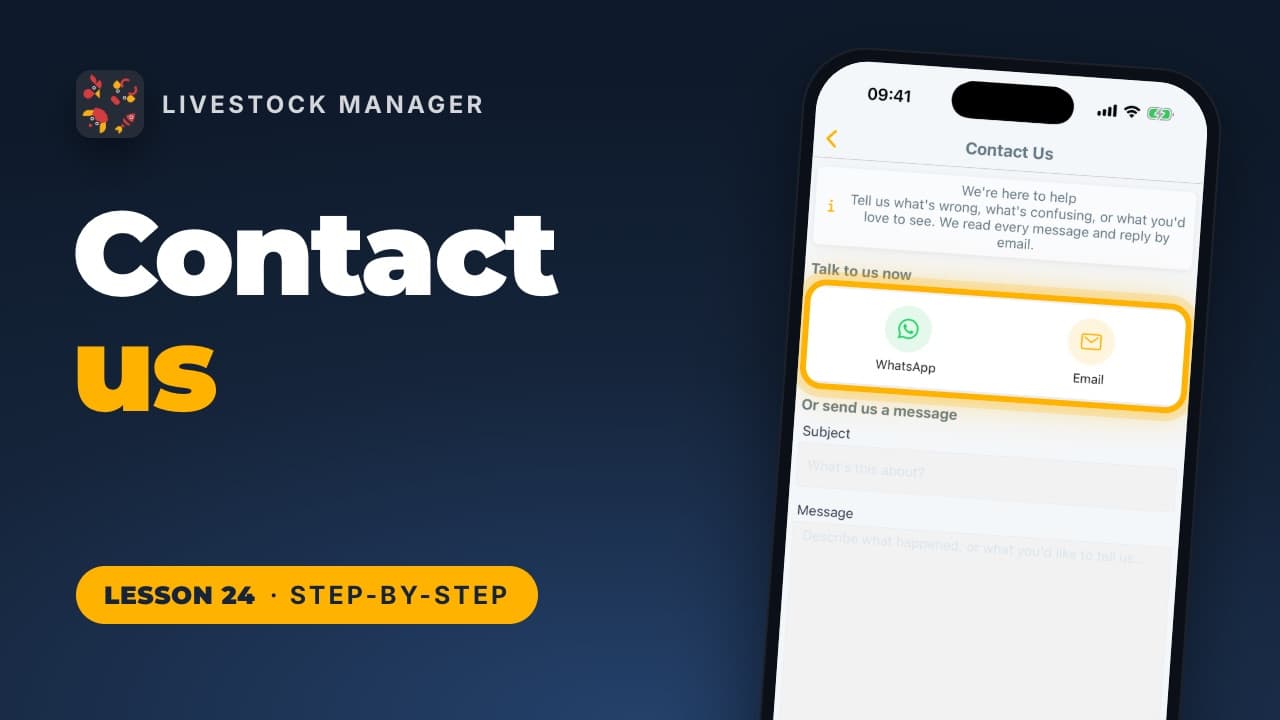
Need an answer from our team instead? See how to contact us. Every lesson is also on our lessons page, in order.
Common mistakes
- Asking without the details. Say which animal, how many, how old and what you have already tried. A farmer reading it can only answer what you tell them.
- Skipping posts in another language. Tap See translation. Some of the best answers come from farmers far away.
- Treating answers as a vet's diagnosis. The community shares experience. For a sick or dying animal, call your vet.
Frequently asked questions
Who can read my posts?
Every farmer in the Livestock Manager community, not only the people on your farm. The community is shared by farmers from many countries, and each post shows the writer's name and farm.
Can I read posts written in another language?
Yes. Under a post or comment written in another language, tap See translation to read it in the language your app is set to. See original switches back. Posts already in your language have no link to tap.
Is the community free?
Yes. Reading, commenting, liking and posting work on every plan, the free Starter plan included. Adding a picture to a post needs the Growth plan or higher.